
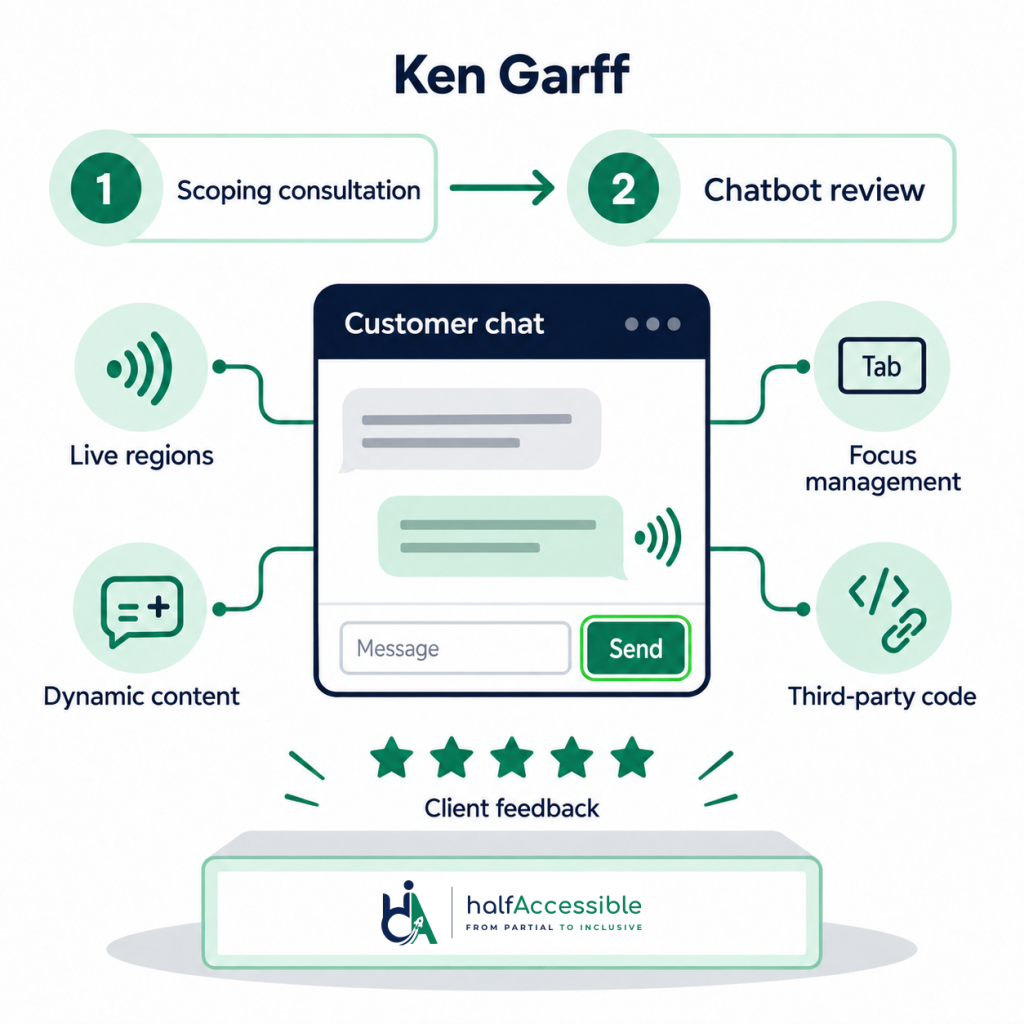
Client & Context
A chatbot accessibility review is one of the most requested — and most revealing — checks in modern accessibility work, because chat widgets concentrate every hard problem in one component: live regions, focus management, dynamic content, and third-party code. Ken Garff engaged HalfAccessible in April–May 2026, first for a scoping consultation and then for a dedicated access review of their customer-facing chatbot. Automotive teams facing the same widget risk can also see our automotive dealership accessibility specialty.
Choose Your Next Step
Want the same chatbot accessibility review for your own widget? Pick how you want to start.
Free 30-Minute Call
Best for: teams with a chatbot or other third-party widget who want to know where they stand, or need a quote.
Tell us which widget, vendor and pages matter. We explain where you stand and quote a fixed-price review or audit.
Book a Free 30-Min Call (opens in new tab)
1-Hour Technical Consultation ($100)
Best for: product and developer teams that need expert technical answers now.
A working session to review your chat widget’s live regions, focus and labels live, or to talk findings through with your developer or vendor.
Quick Audit ($500)
Best for: a small site, or the key pages your chat widget appears on.
Automated scans plus manual keyboard and screen reader checks on up to 5 page templates, including a chat widget embedded on them, with a top-10 issues report.
The Challenge
Chat interfaces fail assistive technology users in ways automated tools rarely catch: new messages that screen readers never announce, focus that jumps unpredictably when the widget opens, unlabelled icon buttons, and keyboard traps inside the conversation pane. The review had to assess the real experience — not just the markup — and produce findings the vendor and the in-house team could each act on.
Inside the Chatbot Accessibility Review
We tested the full conversation lifecycle with NVDA, JAWS, and VoiceOver, plus keyboard-only navigation: opening the widget, receiving and sending messages, interacting with quick-reply buttons, and closing without losing page context. Each behaviour was assessed against the W3C ARIA Authoring Practices Guide and WCAG 2.2 criteria covering name/role/value, focus order, status messages, and contrast — including the Understanding Status Messages and Understanding Name, Role, Value notes.
Findings were split by ownership — issues the chatbot vendor needed to fix versus configuration and integration items the website team controlled — so nothing stalled in a responsibility gap.
The Results
- Complete accessibility assessment of the customer-facing chat widget
- Findings separated by vendor vs. integration ownership for fast action
- Practical consultation that scoped the work before a dollar was spent on it
- Both engagements rated 5.0 out of 5.0 on Upwork
The Criteria Chat Widgets Fail Most
WCAG 4.1.3 Status Messages is the quiet killer: when the bot replies, sighted users see the message appear, but screen reader users hear nothing at all, a conversation where only one side knows the other has spoken. These are the five criteria chat widgets fail most often, and how a chatbot accessibility review checks each one.
| WCAG criterion | What breaks in chat widgets | How we test it |
|---|---|---|
| 4.1.3 Status Messages (Level AA) | The bot replies on screen, but screen reader users hear nothing unless a correctly configured live region announces it. | Send and receive messages with a screen reader running and confirm each reply is announced once, without moving focus. |
| 2.4.3 Focus Order (Level A) | The widget opens but focus stays on the page behind it, or closing it drops the user back at the top of the page. | Open, use and close the widget by keyboard; check focus moves into the pane and returns to the launcher. |
| 4.1.2 Name, Role, Value (Level A) | Icon-only launcher, send and close buttons have no accessible name, and open or closed state is not exposed. | Check every control’s accessible name and state, and listen to how each one is announced. |
| 2.1.2 No Keyboard Trap (Level A) | Keyboard users get stuck inside the conversation pane and cannot tab back to the page. | Tab and Shift+Tab through the pane and out again, with and without quick-reply buttons showing. |
| 1.4.11 Non-text Contrast (Level AA) | The floating launcher icon or its focus indicator falls below 3:1 against the page behind it. | Measure the launcher and its focus indicator against each background it floats over. |
Because most chatbots are third-party products, teams assume accessibility is the vendor’s problem. It is not that simple. ADA.gov web guidance says businesses open to the public and state and local governments must make their websites accessible, and a widget you embed is part of your website. For public entities, the ADA Title II web rule fact sheet is explicit: content a third party provides through contractual, licensing or other arrangements with the government is covered, and the WCAG 2.1 AA compliance dates are April 26, 2027 (50,000+ people) and April 26, 2028 (smaller entities and special districts).
Managing Chatbot Vendors on Accessibility
- Request the vendor’s VPAT before renewal — its absence is itself a finding (see Section508.gov VPAT guidance)
- Test the embedded widget in your context; vendor demos rarely match production configuration
- Separate findings by ownership so vendor tickets and internal fixes move in parallel
- Retest after every widget version bump, since vendors ship silently
The consultation-first structure this client chose is one we recommend often: thirty minutes of scoping prevented weeks of unfocused testing, and the follow-on review landed exactly on the flows that mattered to their customers.
Need a Chatbot Accessibility Review?
Not sure where to start? Book a free 30-minute call to talk through your widget, vendor and deadline and get a fixed-price quote, the same scoping-first path this client used. If your product or developer team needs expert technical answers now, such as a live review of the chatbot’s issues or a session with your vendor, book the $100 one-hour technical consultation.
Ready to test? Start a $500 Quick Audit for up to 5 page templates, get a component-level accessibility audit, pair findings with accessibility remediation, or review broader dealership work under our automotive dealership accessibility specialty. You can also compare accessibility audit pricing or browse our services.
Prefer neighbouring proof? See our ADA website remediation (Siteimprove) and accessibility audit and remediation two-phase engagement case studies.
Why This Matters
Chatbots and other conversational interfaces are frequently overlooked in accessibility reviews because they sit outside a site’s main page templates and often ship from a third-party vendor. This engagement combined a written consultation on accessible chatbot design patterns — focus management, live region announcements, and keyboard operability — with hands-on assistive technology testing of the deployed widget using NVDA, JAWS, and VoiceOver, plus keyboard-only navigation. That combination is what a chatbot needs: guidance the product team can act on before launch, and verification with real assistive technology once it is live. The result: two separate engagements, a consultation and a full assistive-technology review, both closed out at a 5.0 rating.