
- Success Criterion 1.1.1
- Conformance level A
- W3C reference F30
Alt Text Left as a Filename Instead of a Real Description
1.1.1 — Non-text Content
Scenario
Setting
A job board's application form
What’s wrong
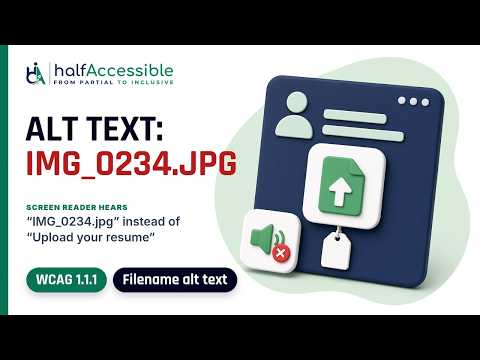
The 'alt text' is not really a description — it's a filename (IMG_0234.jpg) or a filler word like 'image', which tells the user nothing.
Example
<button type="button" class="upload-resume">
  <img src="resume-upload-icon.png" alt="IMG_0234.jpg">
</button>
Why it matters
An applicant using a screen reader hears a random filename instead of "upload your resume," and may skip the field thinking it's a broken image.
How to test
Right-click the image, choose Inspect, and check its alt attribute in DevTools: values like 'IMG_0234.jpg', 'image', or 'photo' are not descriptions and fail.
How to fix
Describe the purpose of the image, never its filename. The icon is the only content of the upload button, so its alt text becomes the button's name: write what the button does, such as "Upload your resume".
<button type="button" class="upload-resume">
  <img src="resume-upload-icon.png" alt="Upload your resume">
</button>
Outcome
A job applicant hears "upload your resume" and finds the right button on the first try.
Who is affected
Screen reader users and voice control users rely on each control's name to find the right one among several icons on the form.
Learn more
Related scenarios
- Product Photo Added as a CSS Background With No Alt Text
- Chart Alt Text That Never Explains What Each Color Means
- Outdated Alt Text That No Longer Matches the Image
- Decorative Image Not Hidden From Screen Reader Users
- Decorative Image Given Alt Text Instead of Being Marked Silent
- Images Published With No Alt Attribute at All