legal accessibility services

Legal & Law Firm Accessibility Services

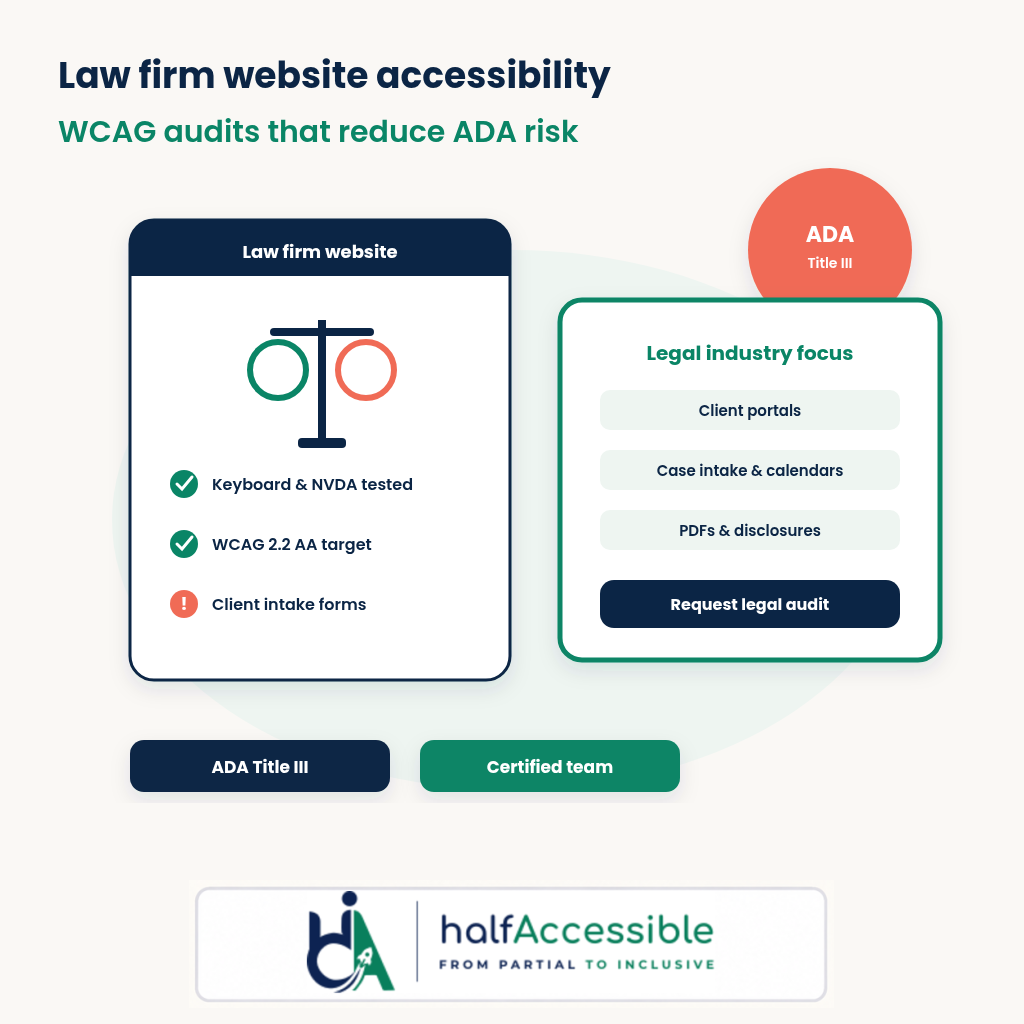
Law firm website accessibility services: WCAG 2.2 AA audits, remediation, VPATs, and PDF accessibility for firm sites, client portals, intake forms, calendars, and legal tech.

Legal Accessibility

Why Law Firm Website Accessibility Matters

Legal & law firm accessibility is about equal access to counsel and case information. Clients, opposing parties, courts, job applicants, and referring counsel use firm websites, client portals, intake forms, calendars, and document libraries every day. If those experiences are not accessible, people with disabilities can be shut out of essential legal services.

HalfAccessible helps law firms, in-house legal teams, bar associations, and legal technology vendors make digital legal services more inclusive. We audit and remediate law firm websites, client portals, practice management front-ends, legal marketing sites, and PDF-heavy document sets against WCAG 2.2 AA. Our work supports ADA Title III expectations for places of public accommodation, Section 508-aligned procurement for legal tech sold to government, European Accessibility Act readiness when serving EU clients, VPAT documentation, and better everyday usability.

Accessible legal sites also improve clarity for every client. Clear headings, keyboard-friendly menus, labeled intake forms, readable contrast, captions, transcripts, accessible PDFs, and reliable screen reader support help older clients, mobile users, neurodiverse users, and anyone under time pressure. Accessibility makes legal digital services easier to understand, operate, and maintain.

10+ Years Experience
WCAG 2.2 Experts
ADA Title III Ready
Manual + Automated Testing
VPAT Support
CPWA Certified Team
Legal practice areas

Industries We Support

High-risk digital journeys for law firms, legal departments, and legal tech products.

Client Intake Forms

Conflict checks, matter intake, contact forms, and scheduling widgets often fail without programmatic labels, clear errors, and keyboard access. We test full intake journeys so prospective clients can request help independently.

  • Missing labels
  • Unclear errors
  • Date pickers
  • File uploads
  • CAPTCHA traps

Client Portals

Authenticated portals hold matters, invoices, messages, and document exchange. We test login, MFA, dashboards, downloads, and messaging for keyboard traps, focus loss, and screen reader gaps.

  • Secure login
  • MFA flows
  • Matter dashboards
  • Messaging
  • Document exchange

Practice Area Pages

Marketing sites for practice areas need clear structure, meaningful links, and media alternatives — not just decorative icons. We review IA, headings, videos, and CTAs that drive consultations.

  • Heading structure
  • CTA clarity
  • Video captions
  • Icon meaning
  • Mobile reflow

Legal PDFs

Retainers, privacy notices, fee schedules, and court-facing PDFs are often untagged scans. We remediate reading order, tags, links, tables, and forms so assistive technology users can read them.

  • Engagement letters
  • Privacy notices
  • Fee schedules
  • Court filings
  • Marketing downloads

Calendars & Booking

Consultation calendars and booking embeds frequently trap keyboard focus or hide labels. We test scheduling flows end to end, including confirmations and reschedule paths.

  • Embedded calendars
  • Time zone pickers
  • Confirmations
  • Reschedule flows
  • Focus management

Legal Tech Products

Case management, e-discovery, billing, and research tools sold to firms need WCAG alignment and often VPATs for enterprise or government procurement.

  • SaaS dashboards
  • Data tables
  • Filters
  • Exports
  • VPAT readiness
How we help

Accessibility Services for Law Firms

Audits, remediation, PDFs, VPATs, statements, and training tailored to legal websites and portals.

Accessibility Audit

We run WCAG 2.2 AA accessibility audits for law firm websites, portals, and legal tech. Testing combines automated scans with manual review, keyboard-only workflows, screen reader testing, and code-level inspection.

  • Manual testing
  • Automated testing
  • Screen readers
  • Keyboard testing
  • WCAG 2.2 AA reporting

Accessibility Remediation

We help teams fix barriers through accessibility remediation — frontend fixes, WordPress theme work, ARIA cleanup, form corrections, and developer guidance. Lawsuit timelines: ADA lawsuit remediation.

  • WordPress
  • React
  • Custom PHP
  • Design systems
  • Retesting

PDF Accessibility

We remediate legal documents so clients and counsel can read them with assistive technology — tags, headings, reading order, links, tables, forms, and language.

  • Retainers
  • Notices
  • Fee schedules
  • Court PDFs
  • Marketing packs

Accessibility Statement

We help firms publish an honest accessibility statement covering conformance status, known limitations, feedback channels, and an improvement plan.

  • Public statements
  • Feedback channels
  • Known limitations
  • Roadmap language

Accessibility Training

We train marketers, developers, paralegals, and content editors through accessibility training workshops on WCAG basics, forms, documents, and assistive technology checks.

  • Marketers
  • Developers
  • Paralegals
  • Content editors
  • QA
Standards

Standards We Help You Meet

Technical and legal frameworks we map findings against — without inventing legal advice.

WCAG 2.2 AA

Our recommended audit target. It includes every WCAG 2.1 AA criterion commonly referenced in ADA demand letters and settlements, plus newer criteria such as focus appearance and target size.

ADA Title III

Private law firms are places of public accommodation. DOJ web guidance points businesses to WCAG as helpful technical guidance even though Title III does not name a WCAG version in regulation.

Section 508

Revised Section 508 Standards incorporate WCAG 2.0 AA and are widely reused when legal tech is sold into federal or state procurement.

EAA

European Accessibility Act readiness for digital services offered to EU consumers, including websites and apps where in scope.

EN 301 549

European ICT accessibility standard aligned with public procurement expectations for legal tech.

PDF/UA

Document accessibility guidance for tagged PDFs used in retainers, notices, and court-facing files.

State bar / ethics sites

Many state bars publish digital accessibility expectations for public legal information — we align firm sites to WCAG so public content stays usable.

Platforms

Legal Platforms and Features We Test

Marketing sites, portals, practice tools, and booking embeds commonly used by firms.

  • WordPress
  • Clio
  • MyCase
  • PracticePanther
  • Smokeball
  • Litify
  • Salesforce
  • HubSpot
  • Calendly
  • React
  • Next.js
  • Drupal
Common barriers

Common Accessibility Issues in Law Firm Websites

Patterns we repeatedly find on firm sites, intake flows, portals, and PDF libraries.

Missing form labels

Intake, conflict check, newsletter, and referral forms often expose only placeholders. We fix label associations, required-field communication, grouped questions, and error summaries.

Keyboard traps

Chat widgets, cookie banners, calendar embeds, and mega-menus frequently trap Tab focus. We test Escape, arrow keys, and focus recovery on high-traffic templates.

Poor heading hierarchy

Practice-area pages and blog hubs often skip heading levels for visual style. We repair outlines so screen reader users and SEO both benefit.

Inaccessible PDFs

Scanned retainers and untagged fee schedules block assistive technology. We remediate structure and advise when HTML alternatives are more maintainable.

Low contrast

Branded navy-on-navy or grey legal designs fail contrast on links, buttons, and form borders. We recommend token-level fixes that keep firm identity intact.

Focus visibility

Removed outline styles make keyboard navigation guesswork on attorney bios, filters, and portal tables. We restore visible focus without a full redesign.

Chat and intake widgets

Third-party chat and intake tools can fail name, role, and value checks. We document vendor gaps and practical workarounds for launch-critical pages.

Mobile accessibility

Sticky CTAs, cramped touch targets, and zoom restrictions hurt clients booking on phones. We test reflow, target size, and mobile screen readers.

Process

Our Accessibility Testing Process

  1. 01

    Automated Scan

    We map templates, components, and high-risk intake or portal flows with automated WCAG checks.

  2. 02

    Manual WCAG Audit

    We manually test against WCAG 2.2 AA using real client, applicant, and counsel tasks.

  3. 03

    Screen Reader Testing

    We verify key journeys with NVDA and other assistive technology — not browser extensions alone.

  4. 04

    Detailed Report

    Findings include user impact, WCAG references, affected templates, reproduction steps, and fix guidance.

  5. 05

    Remediation

    Your team can fix with our guidance, or we support hands-on remediation across code and documents.

  6. 06

    Retesting

    We retest fixed issues to confirm barriers are resolved and no regressions were introduced.

  7. 07

    Compliance Validation

    We help document progress for risk reviews, accessibility statements, VPATs, or launch readiness.

Why HalfAccessible

Why Choose HalfAccessible

CPWA Certified Experts

Work with specialists who understand WCAG, assistive technology, and practical implementation.

Manual Testing

We do not rely on automated tools alone; intake forms and portals need human evaluation.

Real Assistive Technology Testing

We test with screen readers, keyboard workflows, zoom, and mobile accessibility considerations.

Developer-Friendly Reports

Findings are written so engineers and vendors can reproduce, prioritize, and fix issues efficiently.

Lawsuit-Ready Timelines

When demand letters arrive, we help prioritize high-impact barriers without inventing legal advice.

Affordable Global Support

HalfAccessible supports firms, legal departments, and legal tech teams with practical pricing.

Need a Law Firm Accessibility Audit?

Book a practical consultation for your firm website, client portal, intake forms, legal tech product, or PDF library.

Book Consultation

get in touch

Know where you stand. Know what to work on next.

Tell us what you’re working on and where you need support. Our accessibility specialists can help with audits, remediation, VPAT/ACR, accessible development, and ongoing compliance.

Free 30-minute consultation (opens in new tab)

Let’s find the barriers before your users do

Indicates a required field.


Your information is kept private and never shared with third parties.

Legal and Law Firm Accessibility FAQs

Frequently Asked Questions

Answers to common questions about WCAG, ADA Title III, law firm websites, client portals, intake forms, VPATs, PDFs, overlays, and accessibility testing for legal services.

What is law firm website accessibility?

Law firm website accessibility means clients, counsel, courts, and applicants can use your public site, client portal, intake forms, calendars, and documents with assistive technology. It covers keyboard access, screen readers such as NVDA, labels, captions, contrast, focus, and accessible PDFs — not just a scanner score.

Do law firms need ADA website compliance?

Private law firms are places of public accommodation under ADA Title III. There is no Title III rule that names a WCAG version, but the Department of Justice’s web accessibility guidance points businesses to WCAG as helpful technical guidance, and demand letters commonly reference WCAG. We recommend WCAG 2.2 AA as the practical audit target.

How much does a law firm accessibility audit cost?

Cost depends on templates, portals, intake flows, and document libraries. Published packages on our pricing page include a $500 Quick Audit and a $2,000 Complete Audit. Book a consultation ($100) if you need help choosing scope.

Can you audit client portals and case intake forms?

Yes. We test public marketing pages plus authenticated client portals, conflict checks, case intake, scheduling, secure messaging, and uploads when you provide a safe test account or staging environment.

Do you remediate accessibility issues for legal websites?

Yes. Through accessibility remediation we help fix WordPress, custom PHP, React, and document issues, then retest. For lawsuit-driven timelines see ADA lawsuit remediation.

Can you make legal PDFs accessible?

Yes. Retainers, privacy notices, engagement letters, and marketing downloads can be remediated via our PDF document remediation service.

Do you provide VPATs for legal tech products?

Yes. Legal tech vendors often need a VPAT / ACR. Request a scoped quote via our VPAT quote request form.

Which screen readers do you use?

Depending on scope we test with NVDA, JAWS, VoiceOver, and TalkBack, plus keyboard-only, zoom, and contrast checks.

How long does a law firm accessibility audit take?

A focused marketing site often fits one to two weeks. Multi-office sites, bilingual content, portals, and PDF-heavy libraries take longer.

Do accessibility overlays fix ADA risk for law firms?

Overlays do not replace manual testing or code remediation. See our analysis of accessibility overlays and ADA lawsuits and ADA website lawsuit statistics.