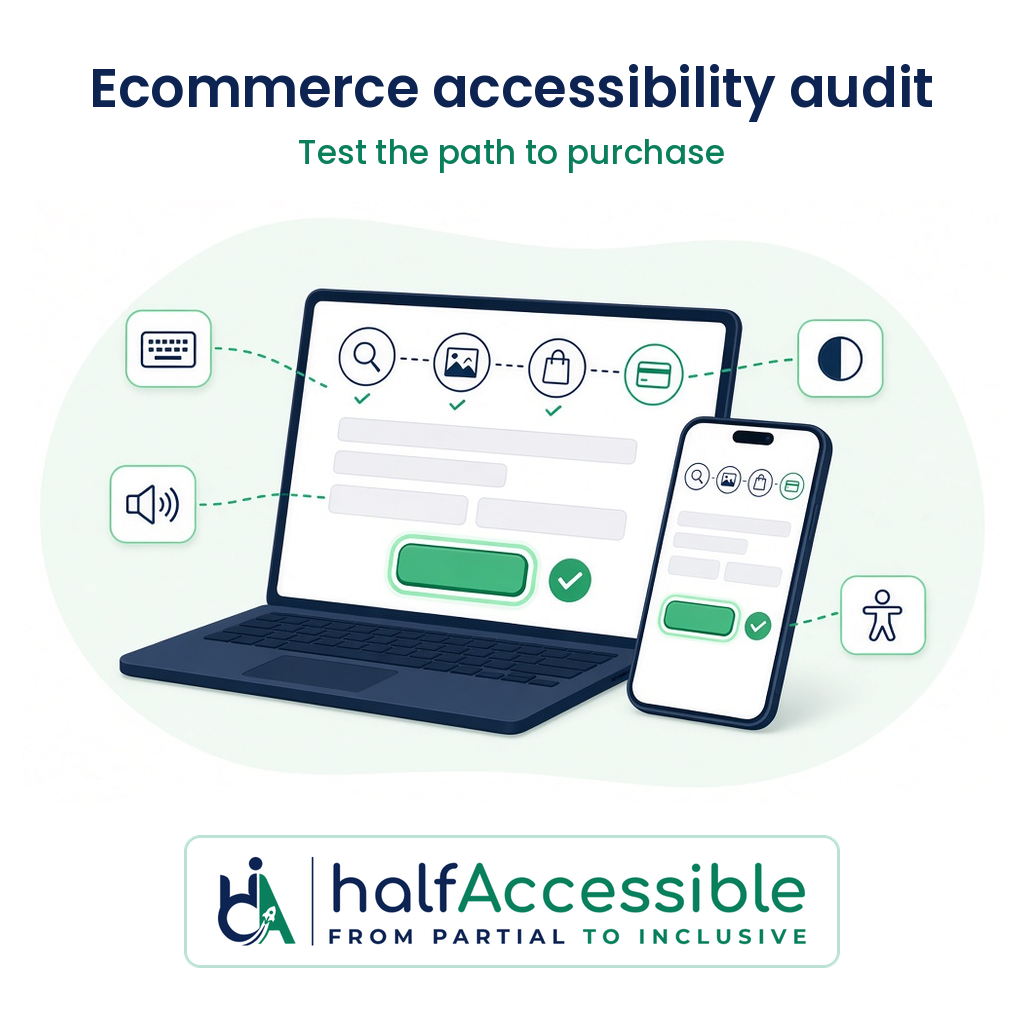
An ecommerce accessibility audit is only worth paying for if it tests the journey that makes you money: finding a product, choosing options, adding to cart and completing checkout with a keyboard and a screen reader, not just your home page. For most stores that means testing 10 to 25 templates and flows against WCAG 2.2 AA, and at HalfAccessible it costs $500 for a 5-template Quick Audit or $2,000 for a full storefront and checkout audit with a re-test.
This guide is for store owners, ecommerce managers and agencies who are ready to buy an audit. It covers why online stores are under pressure right now, exactly what a store audit should cover, what it costs, how to compare providers, and what you should receive at the end. It is written by IAAP-certified accessibility testers and is not legal advice.
Why Online Stores Are Buying Audits Now
- The EU rule is already in force. The European Accessibility Act (Directive (EU) 2019/882) has applied to e-commerce services since 28 June 2025, and it reaches businesses outside the EU that sell to EU consumers. Microenterprises providing services are exempt.
- Regulators are checking webshops. In March 2026 the Dutch regulator ACM reported that at 61% of the roughly 100 large Dutch webshops and telecom and energy sites it checked, people using assistive technology could not place an order, and another 33% had serious problems.
- US demand letters keep targeting retail. The DOJ’s web accessibility guidance says businesses open to the public must make their websites accessible to people with disabilities. For the latest lawsuit numbers, see our 2026 ADA website lawsuit statistics.
- Most sites still fail basic checks. The WebAIM Million 2026 found detectable WCAG 2 failures on 95.9% of the top one million home pages, an average of 56.1 errors per page.
Overlay widgets do not fix this. We explain why in accessibility overlays and ADA lawsuits.
What an Ecommerce Accessibility Audit Must Cover
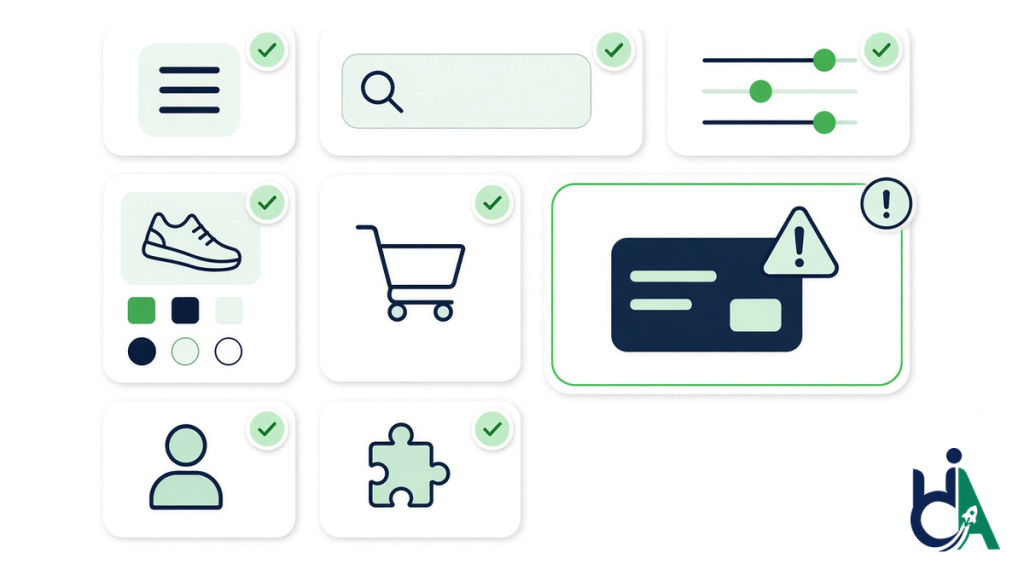
A store is a set of templates plus a purchase journey. A credible audit tests each unique template once and the full journey end to end, against WCAG 2.2 Level AA.
| Area | What gets tested | Common failures we find |
|---|---|---|
| Header, navigation and search | Mega menus, search autocomplete, skip links | Menus that cannot be opened by keyboard; search suggestions not announced |
| Collection / category pages | Filters, sorting, pagination, product cards | Filters that reload the page without telling screen reader users; unlabeled colour swatches |
| Product page | Variant pickers, image galleries, quantity, reviews, size charts | Size and colour options that are not real buttons or radio controls; gallery images with no alt text |
| Cart and mini-cart drawer | Add-to-cart feedback, drawer focus, quantity changes | Drawer opens but focus stays behind it; no announcement when an item is added |
| Checkout | Forms, errors, address lookup, payment fields, promo codes | Errors shown only in red; time-outs; payment iframes that trap focus |
| Account and order flows | Login, sign-up, order history, returns | CAPTCHA with no accessible alternative; unlabeled password fields |
| Pop-ups and third-party apps | Email capture, cookie banner, chat, reviews, loyalty apps | Modals that cannot be closed by keyboard; apps that inject inaccessible markup |
| Content | Product videos, PDFs (size guides, manuals), promo banners | No captions; text inside images; low-contrast sale badges |
Testing has to combine automated scanning with manual keyboard checks, screen reader testing (for example NVDA, JAWS and VoiceOver) and mobile testing, because most checkout barriers are interaction problems a scanner cannot see.
What an Ecommerce Accessibility Audit Costs
Price follows the number of unique templates and flows, not the number of products. A store with 20,000 products often has only 10 to 15 distinct templates.
| Option | Price | Best for | What you get |
|---|---|---|---|
| Free automated check | $0 | A first look before you buy | Automated issues only; not evidence of conformance |
| 1-Hour Technical Consultation | $100 | Reviewing an existing report or a demand letter with an expert | A live working session |
| Quick Audit | $500 | Small stores, or a first pass on the highest-traffic templates | Up to 5 templates, a top-10 issues report |
| Shopify Accessibility Audit / Complete Audit | $2,000 | Stores that need full storefront and checkout coverage | Up to 25 templates or flows, severity-ranked report with fix guidance, a free re-test, an accessibility statement draft, 90 days of support |
The Shopify Accessibility Audit is $2,000 flat and takes 10 to 14 business days from scoping to final report. The same scope applies to WooCommerce and other platforms; WordPress stores can also use our WordPress Accessibility Audit. Full price details are on the pricing page, and our accessibility audit cost guide explains the hidden extras other quotes leave out.
Want a baseline before you scope? Run a few public pages through AccessibilityScore.in, our free WCAG checker. It uses axe-core to give you a score plus issue-level fix guidance. Treat it as a starting point: it cannot test your cart drawer, variant pickers or checkout with a screen reader, which is what the audit is for.
How to Pick an Ecommerce Accessibility Audit Provider
Ask every provider these questions before you sign:
- Will you test the full checkout, including payment steps? If they only test public pages, the most important journey is missing.
- Which assistive technologies and devices do you use? Expect at least one desktop screen reader, keyboard-only testing and mobile screen reader testing.
- How do you handle third-party apps? A good report names the app, the barrier and its impact so you can fix it, raise it with the vendor or replace the app.
- Is a re-test included? Without one you cannot show the fixes worked.
- Is the report developer-ready? Look for the WCAG criterion, the exact location, steps to reproduce and a recommended fix for every issue. Ask for a sample audit report.
- Who actually tests? Ask for credentials. IAAP certifications such as CPACC, WAS and CPWA are issued by the International Association of Accessibility Professionals (IAAP).
- Do you sell an overlay? An auditor who also sells an overlay widget has a conflict of interest.
- Can you also fix the issues? One team that audits, fixes and re-tests saves a hand-off. See our remediation process.
What You Should Have at the End
- A severity-ranked issue list mapped to WCAG 2.2 success criteria, grouped by template so one theme fix clears every product page.
- Developer-ready fix guidance with code examples.
- Notes on third-party apps you need to fix, escalate or replace.
- A re-test report confirming which issues are fixed.
- An accessibility statement draft based on your actual results, plus a contact route for customers.
Most stores fix issues in the theme in two to six weeks. If you need help, our accessibility remediation and accessible Shopify development teams can do the work and re-test it.
Get Your Store Audited Before the Next Demand Letter
If you already know your store needs a full review, request the $2,000 Shopify Accessibility Audit or see our eCommerce and retail accessibility services.
- Not sure what scope you need? Book a free 30-minute call to talk through your store and get a quote.
- Want a first pass on your top templates? Start a $500 Quick Audit.
- Need a technical session on an existing report or a demand letter? Book the $100 one-hour consultation.
- Prefer a written quote? Fill in the free accessibility needs assessment, or compare all options on the pricing page.