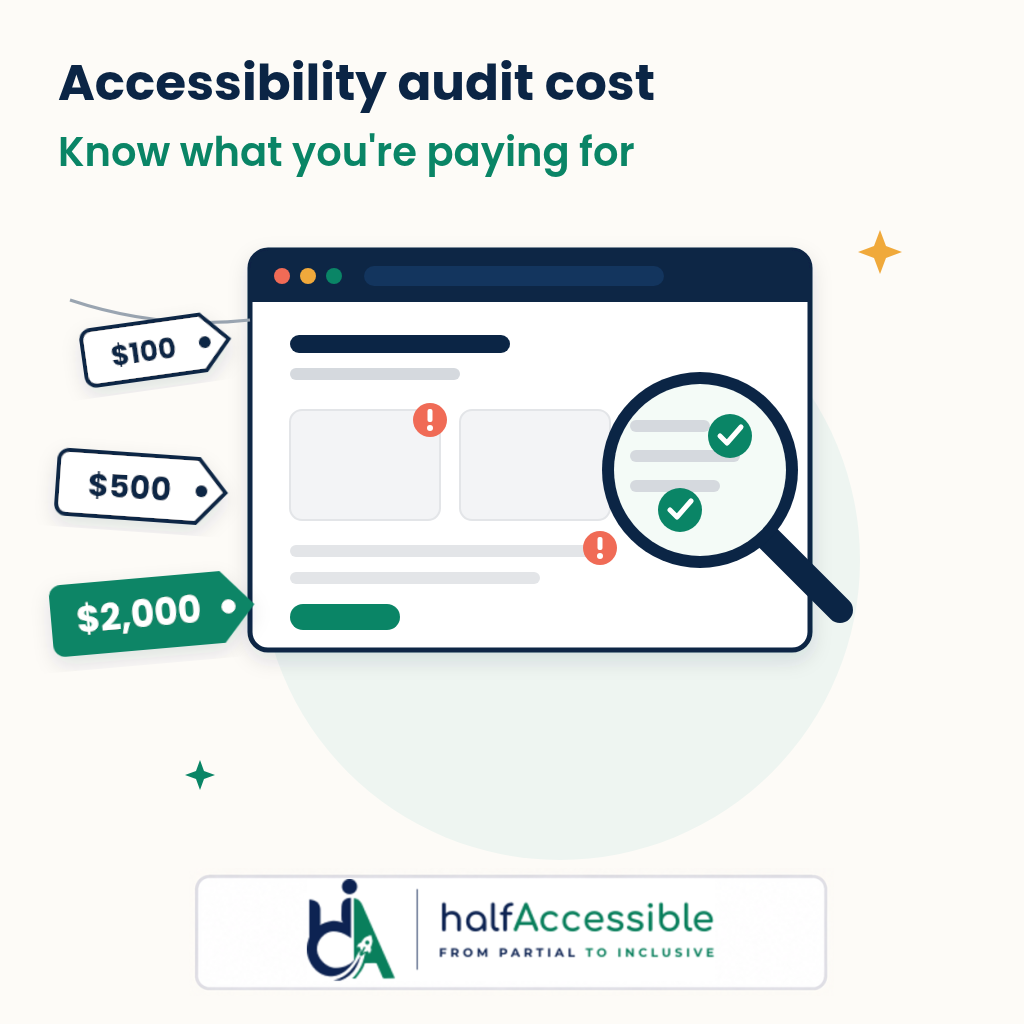
Short answer: A credible accessibility audit cost in 2026 depends on how many unique templates and user journeys are tested, not on how many URLs your site has. Published rate cards put a manual WCAG audit for a small or mid-sized site in the low thousands of dollars: Accessible.org says most of its audits land between $1,250 and $2,750 ($100 to $250 per primary page or screen), and DigitalA11Y quotes $1,500 to $5,000. HalfAccessible publishes fixed prices: a $100 one-hour consultation, a $500 Quick Audit (up to 5 templates), and a $2,000 Complete Audit (up to 25 templates or key user flows, with re-test), and our Shopify Accessibility Audit is $2,000. A free automated scan costs nothing, but it is not evidence of conformance.
This guide is written by IAAP-certified accessibility testers who scope and price audits for clients. It is not legal advice. It explains what moves the price, what each budget level really buys, the extra costs most quotes leave out, and the questions that let you compare two quotes in ten minutes.
Why Audit Budgets Are a Live Question This Quarter
Buyers are asking about price now because several deadlines and enforcement efforts have become concrete at the same time:
- EU: The European Accessibility Act (Directive (EU) 2019/882) has applied to covered products and services, including e-commerce, since 28 June 2025. In March 2026 the Dutch regulator ACM reported that at 61% of the roughly 100 largest Dutch webshops and telecom and energy sites it checked, people using assistive technology could not place an order, and another 33% had serious problems. ACM says companies that do not improve enough risk enforcement.
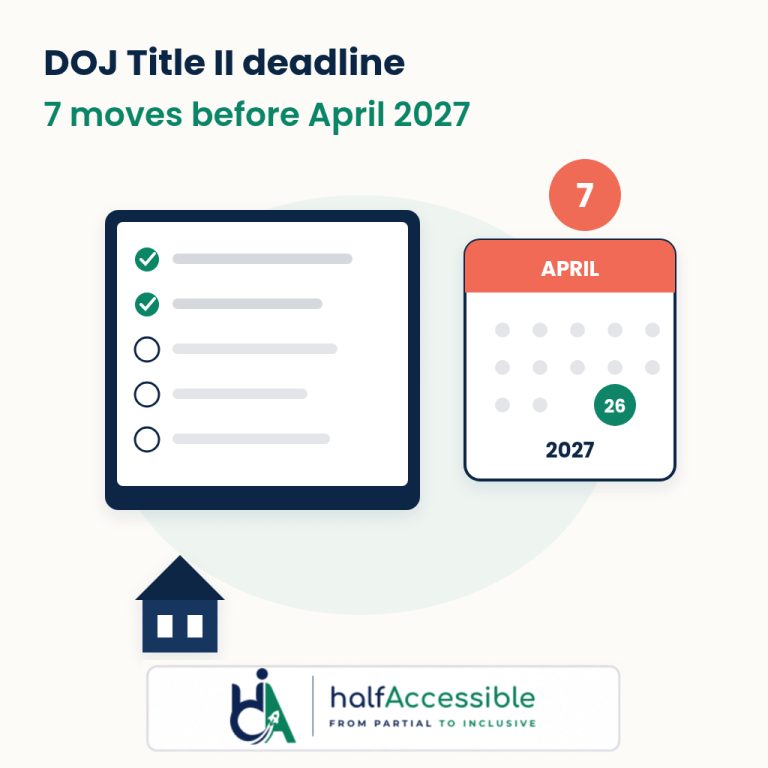
- US public sector: Under the DOJ’s ADA Title II rule, state and local government web content and mobile apps must meet WCAG 2.1 Level AA by 26 April 2027 (total population of 50,000 or more) or 26 April 2028 (smaller entities and special district governments), according to the ADA.gov web rule fact sheet. Content provided through vendors and contractors is included, so suppliers to public bodies should expect to be asked for audit evidence.
- UK public sector: Public sector websites and apps must meet WCAG 2.2 AA and publish an accessibility statement. When the Government Digital Service sends a monitoring report, the organisation is expected to acknowledge it within 7 days and fix issues within 12 weeks.
- The web is getting worse, not better: The WebAIM Million 2026 report found detectable WCAG 2 failures on 95.9% of the top one million home pages in February 2026, an average of 56.1 errors per page, up 10.1% on 2025.
In other words, most teams are not deciding whether to audit. They are deciding how much audit they need and how to avoid paying twice. For the legal background, see our European Accessibility Act guide, the DOJ Title II web accessibility deadline and the 2026 ADA website lawsuit statistics.
What Actually Drives Accessibility Audit Cost
Two quotes for the “same” website can differ by thousands of dollars because they are pricing different work. These are the factors that move the number:
| Cost driver | Why it changes the price | What to tell the auditor |
|---|---|---|
| Unique templates and components | Auditors test representative templates (home, category, product, article, form), not every URL. 5 templates and 25 templates are very different jobs. | A list of your page types and any custom components (mega menu, filters, carousels, modals) |
| Interactive user journeys | Checkout, sign-up, login, booking, search and multi-step forms take far longer to test than static pages. | The 3 to 5 journeys that make you money or that customers must complete |
| Platforms | Desktop web, mobile web and native iOS or Android apps are tested separately. | Whether apps are in scope and on which operating systems |
| Standard | WCAG 2.1 AA, WCAG 2.2 AA, Section 508 or EN 301 549 each change the checklist and the report format. | Which standard your contract, regulator or buyer names |
| Assistive technology coverage | Testing with JAWS, NVDA and VoiceOver plus keyboard-only is slower than a single screen reader pass. | Which screen readers and browsers your users or buyers expect |
| Deliverables | A VPAT or Accessibility Conformance Report, an accessibility statement, or a re-test add time. | The document you need to hand over at the end |
| Current state | A site with hundreds of repeated issues takes longer to document clearly than one built carefully. | Any previous audit, scan results or known problem areas |
Page count on its own is a weak predictor. A 2,000-product Shopify store may share four templates; a 20-page SaaS app with complex dashboards can take longer than both.
What Each Budget Level Really Buys
| Budget | What you typically get | Good for | Not enough for |
|---|---|---|---|
| $0 (free scanner) | Automated checks such as WAVE, axe or Lighthouse | Spotting obvious issues before you buy an audit | Any claim of conformance. ADA.gov warns that a “clean” automated report does not necessarily mean everything is accessible |
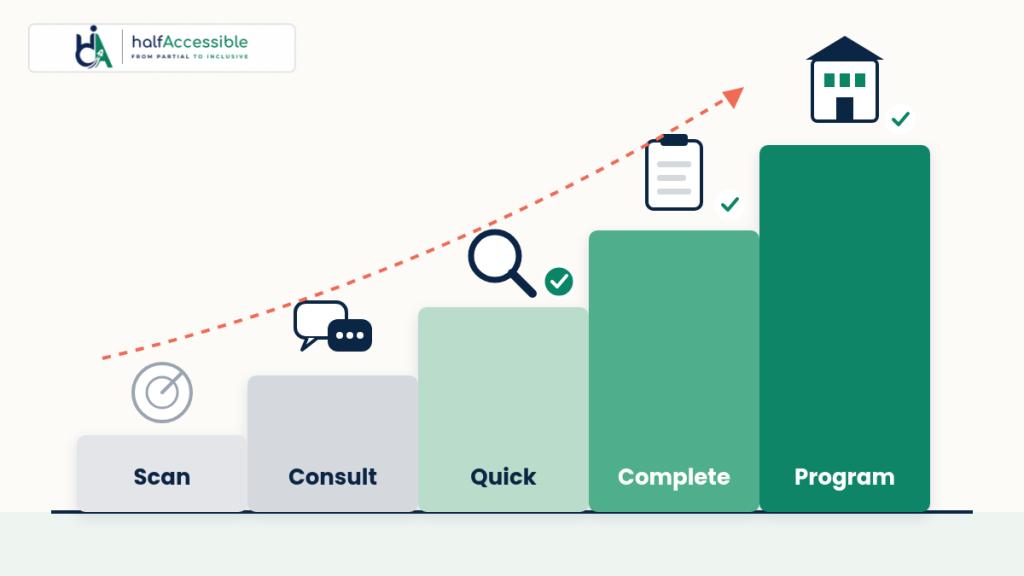
| $100 (1-hour consultation) | A live call with an IAAP-certified specialist, a prioritised action plan and a written summary within 24 hours | Deciding what to audit and in what order | A report you can show a buyer or regulator |
| $500 (Quick Audit) | Up to 5 page templates, automated plus manual spot checks, a top-10 issues report with WCAG 2.2 mapping and a 30-minute review call | Small marketing sites, or a first look before a bigger budget | Checkout, apps, procurement or VPAT evidence |
| $2,000 (Complete Audit) | Up to 25 templates or key user flows, a full manual audit with JAWS, NVDA, VoiceOver and keyboard, a severity-ranked report with fix guidance, a re-test of fixed issues, an accessibility statement draft and 90-day support | Stores, lead-generation sites, SaaS marketing sites and most mid-sized sites | Multi-product estates or native apps that need a custom scope |
| $2,000 (Shopify Accessibility Audit) | Complete-level coverage of storefront, product pages, cart and checkout | Shopify merchants, especially after a demand letter | Headless or multi-store setups that need extra scope |
| Custom (enterprise programme) | Multi-product audits, remediation sprints, VPAT/ACR creation, monitoring and training | Large organisations, public bodies and SaaS vendors selling to them | Anyone who just needs a quick first look |
The HalfAccessible rows above come straight from our pricing page. If you are not sure which row you are in, the free needs assessment will tell you before you spend anything.
The Costs Most Quotes Leave Out
The audit is usually not the biggest line in the budget. Ask about these before you sign:
- Remediation. An audit finds problems; someone still has to fix the code, theme or content. Fixing shared components (header, navigation, forms, product cards) is far cheaper than fixing page by page. Our accessibility remediation team works from the audit report directly.
- Re-testing. Without a re-test you have a list of problems, not evidence that they were fixed. Our Complete Audit includes a re-test; many quotes do not, so check.
- Documentation. A VPAT or Accessibility Conformance Report is often priced separately. Accessible.org, for example, lists its WCAG-edition VPAT at $350 on top of the audit (pricing page). For SaaS sellers, see our VPAT / ACR documentation service and VPAT for SaaS guide.
- Documents and PDFs. Public bodies and regulated businesses often have hundreds of PDFs. These are scoped and priced per document or page, not as part of a website audit (PDF document remediation). Our document accessibility testing checklist shows what each file is checked against.
- Ongoing monitoring. New content, plugins and releases bring new barriers. Budget for monitoring and governance or a periodic re-audit, not just a one-off report.
- Overlay subscriptions. An overlay widget is not a cheaper audit. In 2025 the FTC ordered accessiBe to pay $1 million and barred it from claiming its automated product can make any website WCAG-compliant without evidence. Our overlays and ADA lawsuits post covers why widgets show up in complaints instead of ending them.
If you already know your page types and key journeys, start a $500 Quick Audit today or book a $100 consultation and we will tell you whether the Complete Audit is worth it for your site.
How to Compare Two Audit Quotes in Ten Minutes
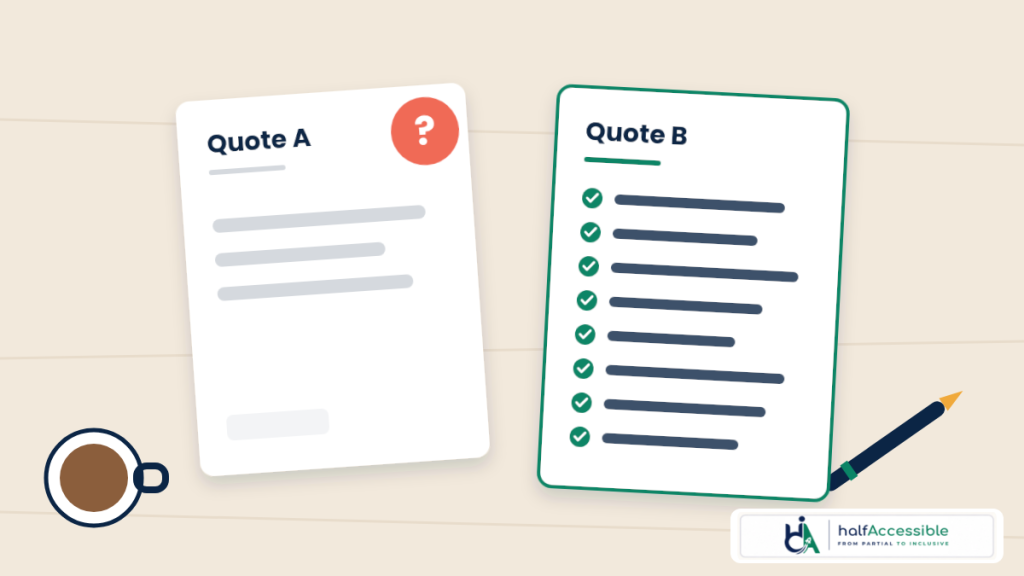
Ask every vendor the same eight questions. A quote that cannot answer them is not cheaper; it is vaguer.
- Which pages, templates and user journeys are in scope, by name?
- Which standard and level (WCAG 2.1 AA, WCAG 2.2 AA, Section 508, EN 301 549)?
- Is testing manual with screen readers and keyboard, or mostly automated? Which screen readers?
- Who does the testing, and what certifications do they hold?
- Does each issue include the WCAG criterion, the location, the severity and how to fix it?
- Is a re-test of fixed issues included? How many rounds?
- Are a VPAT/ACR or an accessibility statement included, or extra?
- What support do you get after the report (calls, developer questions, a support window)?
A sample audit report is the fastest way to judge quality. If a vendor will not show one, assume the report is a scanner export.
Which Audit Fits Your Situation
- Small business or marketing site (under about 5 templates): start with the low-cost accessibility audit ($500 Quick Audit).
- Online store: the Shopify Accessibility Audit ($2,000) covers storefront, product pages, cart and checkout. WordPress and WooCommerce sites can use the WordPress accessibility audit. See also our eCommerce and retail page.
- SaaS selling to enterprise or government: the Complete Audit plus a VPAT/ACR, scoped through our SaaS and B2B software accessibility team.
- US business, agency or federal contractor: the ADA and Section 508 accessibility audit.
- State or local government, school or university: use the government accessibility audit request so the scope matches the Title II rule. More on our government and public sector page.
- Selling into the EU: the EU accessibility compliance audit maps findings to EAA and EN 301 549 obligations.
- UK organisation: the UK accessibility compliance audit is built around WCAG 2.2 AA and the accessibility statement format.
- Agency delivering for clients: our white-label accessibility audits and agency partner program let you resell audits under your own brand.
How to Lower Your Accessibility Audit Cost Without Weakening It
- Fix the obvious first. Run a free scanner and fix missing alt text, form labels, low contrast and empty links. WebAIM found that 96% of all errors it detected fall into just six categories, led by low-contrast text. Fewer repeated issues means a cleaner, faster audit.
- Scope by template, not by URL. Give the auditor one example of each page type and your key journeys.
- Name the standard up front. Choosing WCAG 2.2 AA from the start avoids paying for a second audit when a buyer asks for it.
- Fix shared components, then re-test once. One fix to a navigation component can clear the same issue on every page.
- Plan the ongoing part. A light monitoring plan costs less than a full audit every time something breaks.
For testing methods your own team can start with, see our guides to automated accessibility testing, manual keyboard accessibility testing and screen reader accessibility testing.
Get a Clear Accessibility Audit Cost Before You Commit
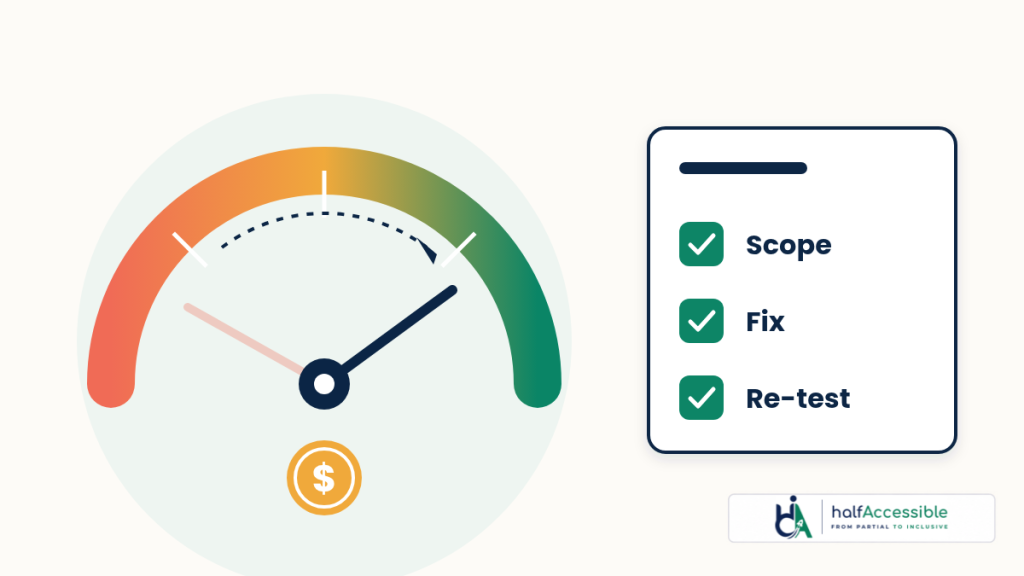
You should know the accessibility audit cost, the scope and the deliverables before any testing starts. HalfAccessible publishes fixed prices so you can budget in one meeting: a $100 consultation, a $500 Quick Audit, a $2,000 Complete Audit, and the $2,000 Shopify Accessibility Audit, with custom programmes for larger estates.
Every engagement is led by IAAP-certified specialists, maps each issue to WCAG 2.2, and ends with evidence you can show to lawyers, buyers or regulators, not just a scanner export. When the report is done, our accessibility remediation and accessible development teams for WordPress, Shopify and React can fix what we find.
See full pricing, start a $500 Quick Audit, book a consultation, or review our accessibility audit services and sample audit report.