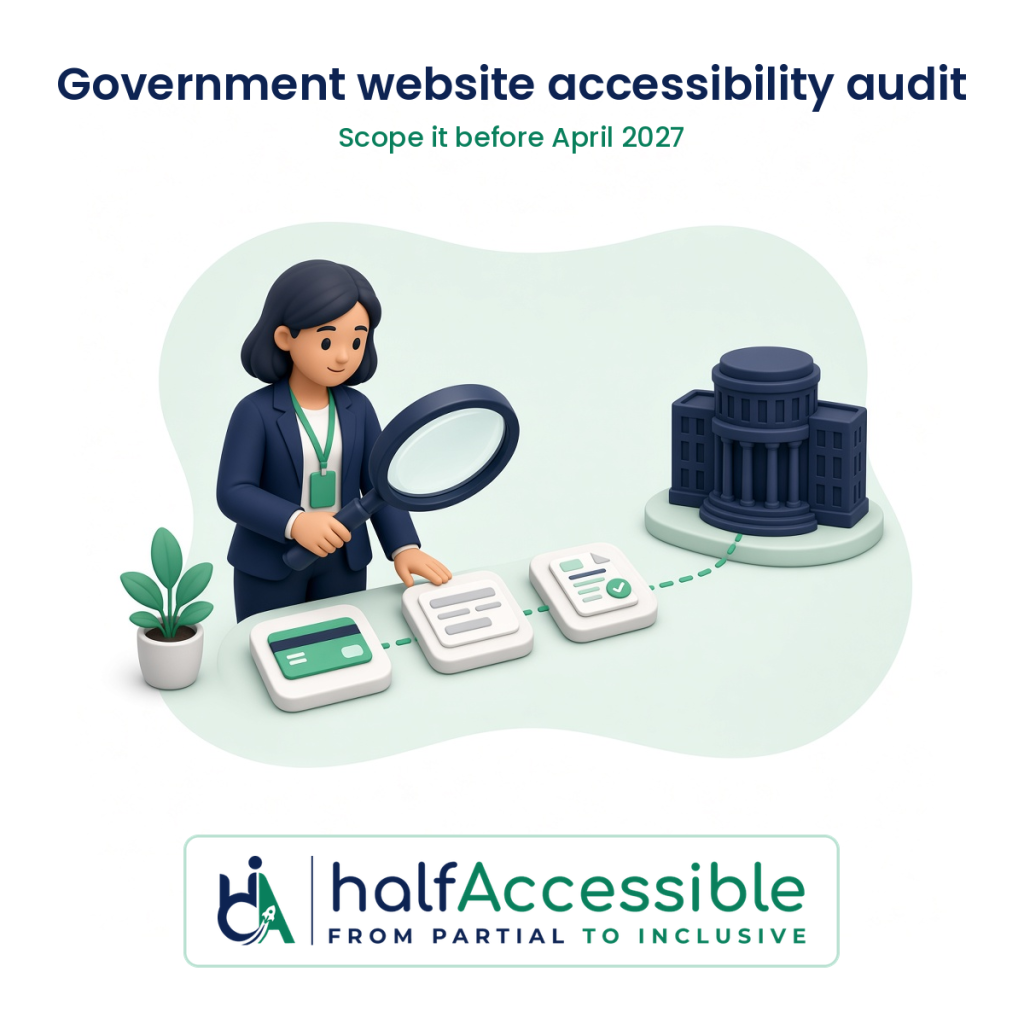
A government website accessibility audit worth paying for tests the services residents actually use (paying, applying, booking, reporting and reading notices) against WCAG 2.1 Level AA, covers the vendor portals and documents tied to those services, and ends with findings, fixes and a re-test you can show to counsel or an auditor. If your city, county, school district, transit agency or public university has a population of 50,000 or more, the ADA Title II compliance date is April 26, 2027, so an audit bought this winter leaves time to fix what it finds.
This guide is for ADA coordinators, IT and digital leads, procurement officers and department heads in US state and local government. It explains what the audit has to prove, how to scope it, what a credible proposal contains, which questions to put in your request for quotes, and what it costs. If you need the rule and the dates in more depth first, start with our DOJ Title II deadline guide. This is not legal advice.
What a Government Accessibility Audit Has to Prove
The Department of Justice’s Title II web and mobile rule (28 CFR Part 35, Subpart H) makes WCAG 2.1 Level AA the technical standard for state and local government web content and mobile apps. Four parts of it shape what your audit needs to cover.
- Everything you provide, including through vendors. Section 35.200 covers web content and mobile apps a public entity provides or makes available “directly or through contractual, licensing, or other arrangements” (28 CFR 35.200 on eCFR). A payment portal, permit system or learning platform you license is in scope, even when a vendor hosts it.
- Five narrow exceptions. Archived web content, preexisting conventional electronic documents, content posted by unaffiliated third parties, individualized password-protected documents and preexisting social media posts (28 CFR 35.201). Each has conditions. ADA.gov points out, for example, that the preexisting document exception does not apply to documents currently used to access your services.
- A “minimal impact” defence that depends on evidence. Under section 35.205, an entity that is not in full conformance is treated as compliant only where it “can demonstrate” that the gaps do not stop people with disabilities from getting the same information, interactions and transactions with substantially equivalent timeliness, privacy, independence and ease of use (28 CFR 35.205). You can only demonstrate that with task-level testing results.
- The duty already exists. The April 2026 interim final rule that moved the dates also says covered entities have “an ongoing obligation” under Title II to make services offered online accessible, regardless of the compliance dates (91 FR 20902, Federal Register).
So the audit is not a score. It is the evidence base for three decisions: what to fix first, which content genuinely falls under an exception, and whether any remaining gap really has minimal impact.
Step 1: Confirm Your Date and Your Standard
Your compliance date depends on population, and ADA.gov spells out how to calculate it (ADA.gov first steps, Action Step 2):
| Public entity | Compliance date |
|---|---|
| Total population of 50,000 or more | April 26, 2027 |
| Total population under 50,000 | April 26, 2028 |
| Special district governments | April 26, 2028 |
Population means the 2020 Census figure for your government (or the 2022 Small Area Income and Poverty Estimates for an independent school district), not the number of people you serve or employ. A body without its own Census figure uses the population of the government it belongs to. ADA.gov’s own example is a state university with 40,000 students that takes its state’s population of 6,000,000, which puts it on the April 2027 date.
Two things can still change the picture. The National Federation of the Blind has asked a federal court in Maryland to set the one-year extension aside (National Federation of the Blind v. Department of Justice, No. 1:26-cv-02007), and the case was still listed as ongoing by the Civil Rights Litigation Clearinghouse when we checked on October 29, 2026. No later DOJ rule changing the dates had appeared in the Federal Register by that day either.
On the standard, ask for testing against WCAG 2.2 Level AA with every finding also mapped to WCAG 2.1. The W3C states that content conforming to WCAG 2.2 also conforms to WCAG 2.1 and 2.0 (W3C, WCAG 2.2), so one audit covers the Title II standard and leaves you ready for newer policies. If a grant, a state contract or a federal partner asks for Section 508, the Revised 508 Standards reference WCAG 2.0 Level AA (US Access Board ICT standards), which the same mapping covers.
Step 2: Scope by Services, Not by Page Count
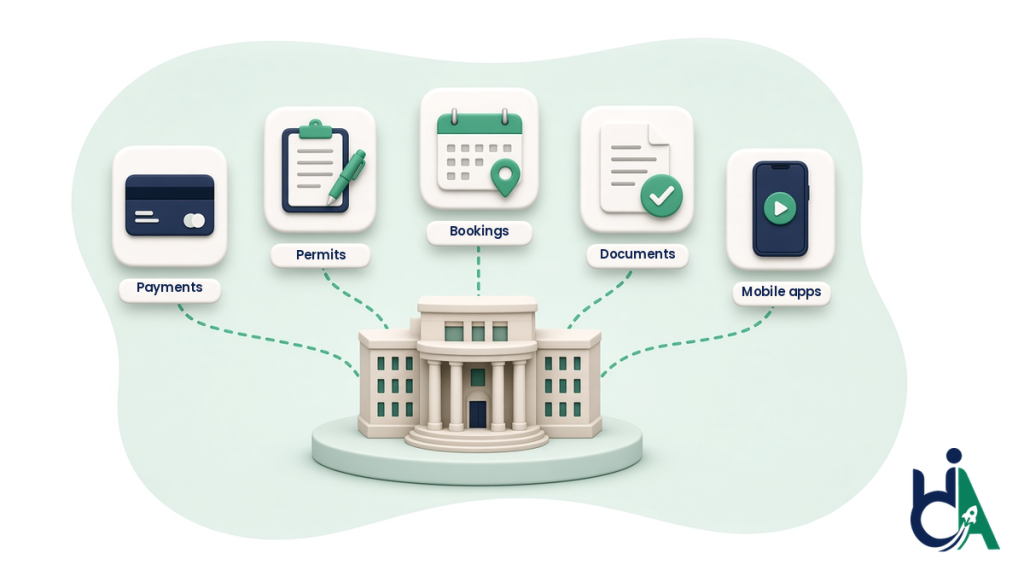
A county website can have thousands of pages. Asking for “an audit of every page” either produces a scan-only report or a price nobody can approve. ADA.gov suggests public entities first list their sites, page types, documents, social media, mobile apps and third-party vendor content, then prioritize content that lets people perform key tasks, is used often, has been flagged by disabled residents, appears across many pages or is built from templates (ADA.gov first steps, Action Steps 5 and 9).
Turn that into an audit scope like this:
| Include in the audit | Check whether an exception really applies |
|---|---|
| Service journeys: pay a bill or ticket, apply for a permit or benefit, book a facility, report a problem, register for a program | Council minutes and event notices posted before your compliance date that nobody uses to access a service |
| The templates behind them: header, navigation, search, footer, forms, tables, maps, calendars | Old records moved into a clearly labelled archive and not updated since |
| Vendor-hosted portals you link residents to, such as tuition, utility or parking payments | Comments posted by members of the public on your pages or social accounts |
| Current PDFs and forms people need to apply, pay or take part | PDFs about one specific person, property or account inside a login, which still need an accessible format on request |
| Mobile apps and public meeting video | Social media posts made before your compliance date |
ADA.gov’s own examples back up the left-hand column: a university that links students to a third-party tuition payment site “needs to make sure it picks a third-party tuition payment website that is accessible”, and a hospital’s password-protected portal generally has to meet WCAG 2.1 AA even when some individual documents inside it are exempt.
Step 3: Insist on Manual Testing of a Representative Sample
ADA.gov is direct about tools: “You won’t be able to use automated testing tools alone, because those tools can’t test for all aspects of accessibility,” so public entities should use a combination of automated and manual assessments (ADA.gov first steps, Action Step 8).
The W3C’s evaluation method, WCAG-EM 2.0 (a W3C Group Note published on July 23, 2026), describes how a credible audit chooses what to test: define the evaluation scope, explore the product, select a representative sample, evaluate that sample and report the findings (W3C, WCAG-EM 2.0). It also notes that “most accessibility checks are not fully automatable”. In practice, a good government audit proposal names the sample: every template type plus each priority service journey from start to confirmation, tested with a keyboard alone and with screen readers such as NVDA, JAWS and VoiceOver, plus zoom and reflow checks.
For the difference between what scans and manual testing can prove, see our guide to manual vs automated accessibility audits.
What a Credible Proposal Includes
Before you compare prices, check that each proposal answers these points in writing:
- Scope list: the named sites, templates, journeys, vendor portals, mobile apps and an estimated document count.
- Standard and mapping: WCAG 2.1 AA as the Title II baseline, with WCAG 2.2 AA results if you want them, and Section 508 mapping when a contract needs it.
- Method: which parts are automated, which are manual, and which assistive technologies and browsers are used.
- Who tests: names and certifications of the people doing the manual testing, not only the sales contact.
- Findings format: each issue with location, the WCAG success criterion, severity, who it affects, steps to reproduce and a recommended fix your developers or vendor can act on.
- Vendor products: whether third-party portals are tested and reported separately so you can send findings to the vendor under your contract.
- Re-test: whether fixed issues are re-tested and how each result is recorded.
- Timeline and price: a fixed price for the defined scope and dates for the report, the findings review and the re-test.
You can see the shape of a finished deliverable in our sample audit report.
Questions to Put in Your Request for Quotes
- How do you choose the sample of pages and journeys, and which priority services will you test end to end?
- What share of the work is manual testing, and with which screen readers, browsers and devices?
- Who will test our site, and what accessibility certifications do they hold?
- Will you map every finding to WCAG 2.1 AA, and can you add WCAG 2.2 AA and Section 508 mapping?
- How will you report problems in vendor-hosted portals so we can enforce our contracts?
- How do you handle PDFs and forms, and is document remediation priced separately?
- Is a re-test of fixed issues included, and what does the re-test report show?
- Can you help us decide which content qualifies for an exception, and document why?
- Do you rely on an overlay or widget for any part of the result? (The right answer is no.)
What a Government Website Accessibility Audit Costs and How Long It Takes
Price follows scope: the number of templates and journeys, vendor portals, documents and apps. HalfAccessible publishes fixed prices for defined scopes and quotes larger public-sector programmes after a scoping call:
| Your situation | Starting point | Price |
|---|---|---|
| You need answers on scope, dates or existing findings before you buy | 1-hour technical consultation | $100 |
| Small site, such as a town or special district, that needs a fast expert baseline | Quick Audit: up to 5 page templates, automated scan plus manual spot checks, top-10 issues report | $500 |
| Main site with forms and service journeys | Complete Audit: up to 25 templates or key user flows, full manual testing with JAWS, NVDA, VoiceOver and keyboard, severity-ranked report, re-test of fixed issues | $2,000 |
| Several sites, vendor portals, mobile apps or a large PDF library | Government audit request: scoped proposal naming your compliance date | Quoted after scoping |
PDF and document remediation, code remediation and ongoing monitoring are quoted separately once the audit shows what needs fixing. Our pricing page lists every package, and our breakdown of accessibility audit cost explains what changes a quote.
Plan the time backwards from your date, not forwards from the audit. The audit itself is the short part. Fixing shared templates, chasing vendors, remediating active documents and re-testing take longer, and procurement adds its own weeks. As one reference point, our two-phase audit and remediation case study took about eight weeks from audit kickoff to verified remediation on a single website.
Red Flags in Government Accessibility Proposals
- A scan sold as an audit. If the proposal has no named manual testers or assistive technologies, it cannot support a minimal impact argument or a conformance claim.
- An overlay or widget as the fix. It does not change your source code or your vendors’ code. In April 2025 the FTC finalized an order requiring accessiBe to pay $1 million and barring it from claiming its automated products can make any website WCAG-compliant without evidence.
- “Certified compliant” promises. No body certifies a website as ADA compliant. Look for a dated report against a named standard instead.
- No plan for documents or vendor portals. These are where residents complete services, and they often hold the most serious barriers.
- No re-test. Without one, you have a list of problems rather than proof they were fixed.
How HalfAccessible Runs Government Accessibility Audits
- Who tests: audits are led by Mohammad Shadab Saifi, who holds the IAAP CPACC, WAS and CPWA certifications (International Association of Accessibility Professionals) and is a DHS Section 508 Trusted Tester. Manual testing uses NVDA, JAWS and VoiceOver plus keyboard-only checks.
- Standards in one report: findings are mapped to WCAG 2.2 AA with the WCAG 2.1 AA Title II baseline, and to Section 508 where you need it. See our ADA and Section 508 accessibility audit service.
- Fixes and proof: we can remediate code through accessibility remediation and documents through PDF and document remediation, then re-test. In our WCAG compliance verification case study, every earlier finding was given one of three re-test statuses: resolved, partially resolved or regressed.
- Public sector focus: more detail is on our government and public sector accessibility page. If you sell software to government rather than buy it, read our guide to ADA Title II vendor requirements.
Get a Scoped Government Accessibility Audit Proposal
If your date is April 26, 2027, the work you can still schedule this year is the audit and the first round of fixes. Pick the step that fits where you are:
- Request a quote: send your entity type, population, sites, portals and rough document count through our government accessibility audit request. We reply with a scoped proposal that names the compliance date that applies to you.
- Talk it through first: book a free 30-minute call to agree what to audit first, or book the $100 one-hour technical consultation to review existing findings or a vendor’s report with your team.
- Start small: a town, library or special district can begin with the $500 Quick Audit. Compare every option on our pricing page.
- Run a free first check: scan one public page on AccessibilityScore.in, our free WCAG checker, to see common code-level issues with issue-level guidance before you scope the manual audit.