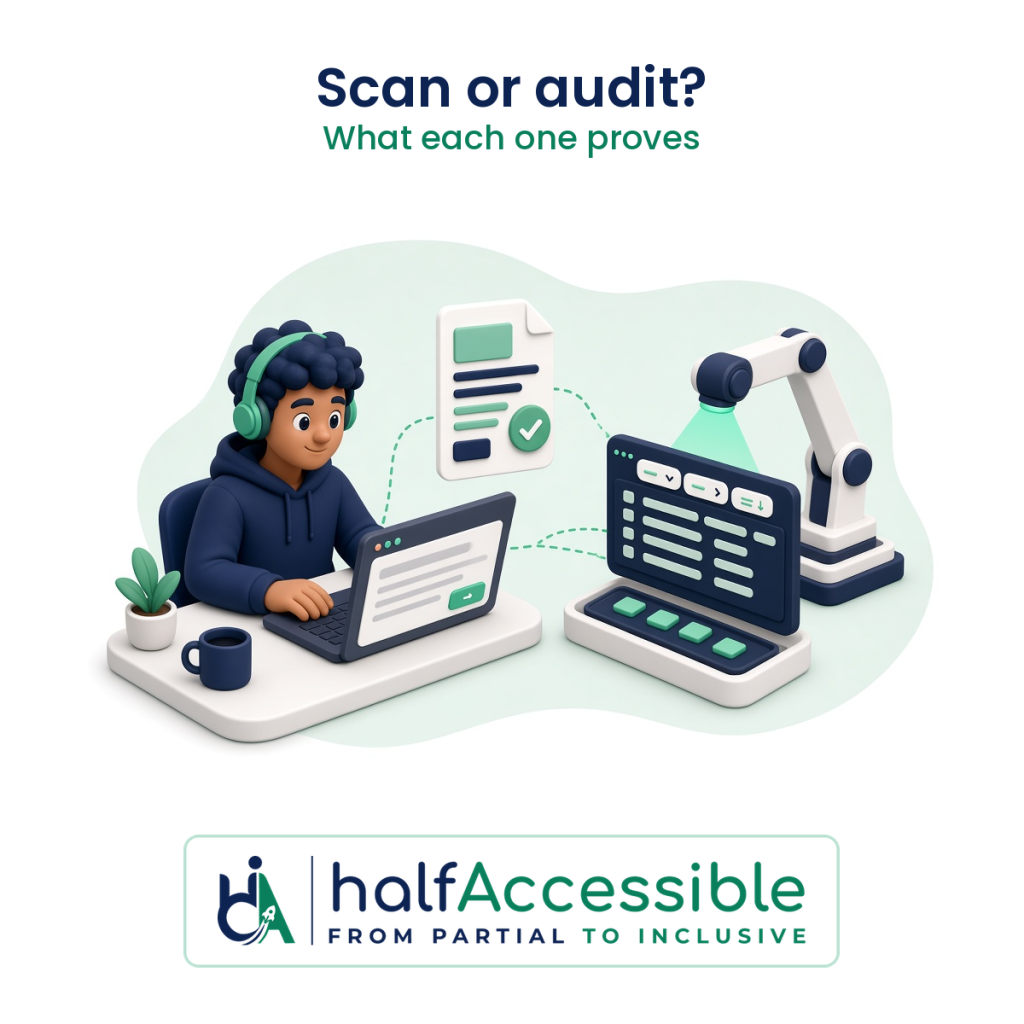
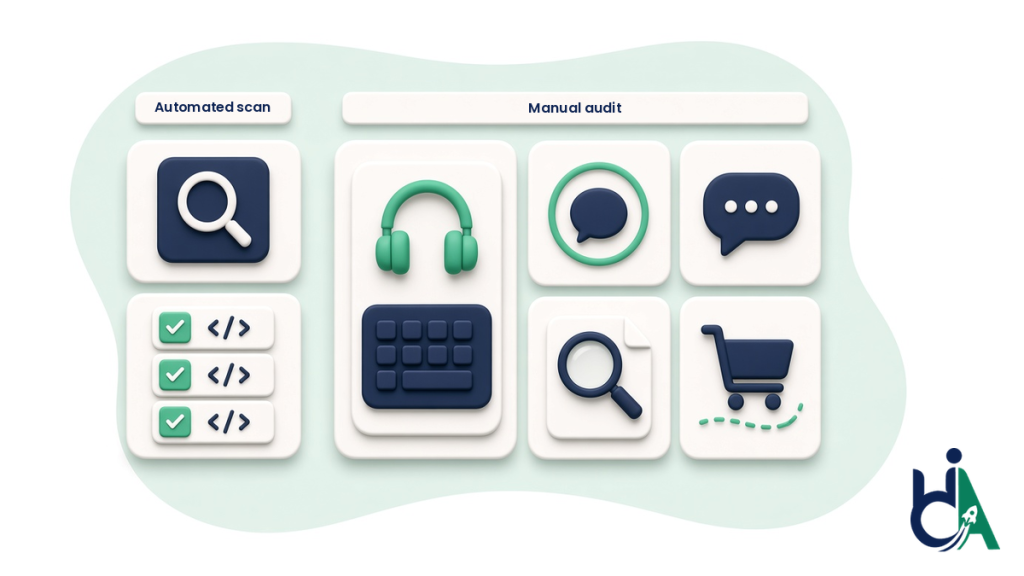
An automated accessibility scan tells you which code-level WCAG failures a rules engine can detect on the pages it reached, while a manual audit tells you whether people using a keyboard, a screen reader or zoom can actually complete your key tasks. Only the manual audit can back up a conformance claim, an ACR or a response to a demand letter, so most teams need both: a scan for speed and coverage, and a manual audit for the journeys that matter.
This guide is for founders, product owners, ecommerce managers and compliance leads who are deciding what to buy. It explains what each method really does, what the published research says about scan coverage, how to tell when an “audit” is only a scan with a logo on it, and a sensible order for using both. This is not legal advice.
What an Automated Accessibility Scan Actually Does
An automated scan runs a rules engine, such as the open-source axe-core library or WebAIM’s WAVE, against the rendered code of a page and reports patterns that break WCAG rules: missing alternative text, form fields with no label, low text contrast, empty links and buttons, a missing page language. It is fast, cheap and repeatable, and it can run across thousands of pages or inside a build pipeline.
The official sources are consistent about its limits:
- W3C: “Web accessibility evaluation tools can not determine accessibility, they can only assist in doing so.” Tools “cannot check all accessibility aspects automatically”, human judgement is required, and tools sometimes “produce false or misleading results” (W3C WAI, Selecting Web Accessibility Evaluation Tools).
- US Department of Justice: automated checkers “need to be used carefully”. A “clean” report “does not necessarily mean everything is accessible”, and DOJ suggests pairing a manual check with automated checkers (ADA.gov, Guidance on Web Accessibility and the ADA).
- GSA (Section508.gov): scanning tools “cannot apply human subjectivity”, so they either produce excessive false positives or, when tuned to avoid them, “test for only a small portion of the requirements”. Requirements a tool cannot test “must be tested manually” (Section508.gov, Testing Overview).
So a scan is a good way to find obvious, repeated code errors. It is not a way to find out whether your product works for disabled people.
What a Manual Accessibility Audit Adds
A manual audit is a person with accessibility expertise working through your product the way disabled users do, then writing down what fails, where, why and how to fix it. The W3C’s evaluation method, WCAG-EM 2.0 (published as a W3C Group Note on 23 July 2026 and now covering apps as well as websites), sets out five steps: define the scope, explore the product, select a representative sample, evaluate it and report the findings (W3C, WCAG-EM 2.0). It assumes evaluators understand WCAG, assistive technologies and how people with different disabilities use digital products, and notes that “most accessibility checks are not fully automatable”.
In practice, a manual audit checks the things a rules engine cannot judge:
- Keyboard use: can every control be reached and operated, is the focus order logical, is focus always visible, and is there any keyboard trap in a modal, menu or date picker?
- Screen reader output: does NVDA, JAWS or VoiceOver announce the right name, role and state for each control, and are errors, status messages and cart updates actually announced?
- Meaning, not just presence: is the alternative text accurate, do headings describe their sections, is a link’s purpose clear, and do error messages say how to fix the problem?
- Zoom, reflow and spacing: does content still work at 200% zoom and at narrow widths without hiding text or controls?
- Whole journeys: can someone sign up, search, check out, book or submit a form from start to finish without sighted or mouse help?
The output is evidence: steps to reproduce, the WCAG success criterion, the assistive technology and browser used, severity and a fix. That is what developers, buyers and lawyers can act on. Our guides to screen reader testing and manual keyboard testing show what those checks look like up close.
What the Research Says About Scan Coverage
You will see very different numbers quoted for how much a scan catches. They measure different things, and both matter to a buyer.
- By barrier type: the UK Government Digital Service built a test page with 143 accessibility failures and ran 10 automated tools against it. 42 of the 143 (29%) were missed by every tool, and the best single tool found 41% even when its “manual inspection” prompts were counted (GOV.UK accessibility blog, 2017). GDS advises combining tools with manual checking, an accessibility audit and user testing.
- By issue volume: Deque, which makes axe-core, analysed first-time audits covering more than 13,000 pages and nearly 300,000 issues and found that 57.38% of the issues were identified by its automated tests. The same report found automated issues for only 16 of the 50 WCAG 2.1 Level A and AA success criteria, and its table shows every Focus Order, Focus Visible and Non-text Contrast issue, and 97.51% of Keyboard issues, came from manual testing (Deque, Automated Accessibility Coverage Report).
- At web scale: WebAIM’s 2026 scan of the top one million home pages found detectable WCAG 2 failures on 95.9% of them, and WebAIM itself warns that the “absence of detected errors does not indicate that a page is accessible or conformant” (WebAIM Million 2026).
The practical reading: scans catch a large share of the common, repetitive errors, which makes them worth running constantly. The barriers they miss (keyboard traps, focus problems, confusing screen reader output, broken checkout or sign-up flows) are often the ones that stop a person from finishing a task.
| Question | Automated scan | Manual audit |
|---|---|---|
| What it checks | Code patterns a rules engine can detect on reachable pages | Whether real tasks work with a keyboard, screen readers and zoom, mapped to WCAG |
| Who does it | Software | An accessibility specialist, often with tool support |
| Typical coverage | Many common issues by volume; a minority of WCAG criteria | All in-scope WCAG criteria for the sampled pages, screens and journeys |
| False results | Can flag non-issues or miss real ones | Judgement calls are explained in the findings |
| Speed and cost | Minutes, low or no cost per page | Days to weeks, priced by scope |
| Output | A list of rule failures and a score | Findings with steps to reproduce, severity, WCAG mapping and fixes |
| Supports a conformance claim, ACR or legal response | No, not on its own | Yes, when the method and scope are documented |
| Best use | First check, regression monitoring, CI/CD | Baseline before a deal, deadline, launch or legal response |
Which One Do You Need?
Start from the decision you are trying to make, not from the tool.
- You just want a first look at a site: an automated scan is enough to see the obvious problems and get developers started. Treat its score as a to-do list, not a verdict.
- You received a demand letter or complaint: you need a manual audit of the journeys named or implied in the complaint, fixes and a re-test, with dated evidence. Our post on ADA lawsuit remediation explains why scan-and-patch responses tend to fall short.
- An enterprise or public-sector buyer asked for a VPAT or ACR: conformance levels and remarks need manual testing behind them. See what a credible VPAT costs and our SaaS and B2B accessibility services.
- You run an online store: product pages, filters, cart and checkout are where scans miss the most, because the barriers are in interaction rather than markup. See our ecommerce and retail accessibility services and the Shopify accessibility audit.
- You are launching a redesign or a new product: run a manual audit on the key templates and journeys before launch, while fixes are still cheap.
- You already had an audit and fixed the issues: keep automated scans running on every release so regressions are caught early, and re-test key journeys manually after major changes. Our guide to continuous accessibility monitoring covers what to pay for there.
How to Tell If an “Audit” Is Really Just a Scan
Some products sold as audits are an automated report with a cover page. Before you sign, check for these warning signs:
- It is delivered in minutes or the same day, with no scoping call and no list of pages, screens or journeys.
- No assistive technology is named. A manual audit says which screen readers, browsers and devices were used.
- Findings read like rule IDs (“color-contrast”, “image-alt”) with no steps to reproduce and nothing about keyboard or screen reader behaviour.
- The headline is a score or a percentage “compliant”. WCAG conformance is per criterion; a score is a triage aid.
- It promises automatic or permanent compliance. In April 2025 the US Federal Trade Commission approved a final order requiring accessiBe to pay $1 million and barring it from claiming its automated products can make any website WCAG-compliant, or keep it compliant over time, without evidence to back that up (FTC, April 22, 2025). We cover that in more depth in accessibility overlays and ADA lawsuits.
- There is no re-test. Without one you cannot show the fixes worked.
If you are comparing vendors, our 12 questions to ask an accessibility audit company turns these checks into a script.
A Sensible Order: Scan, Audit, Fix, Re-test, Monitor
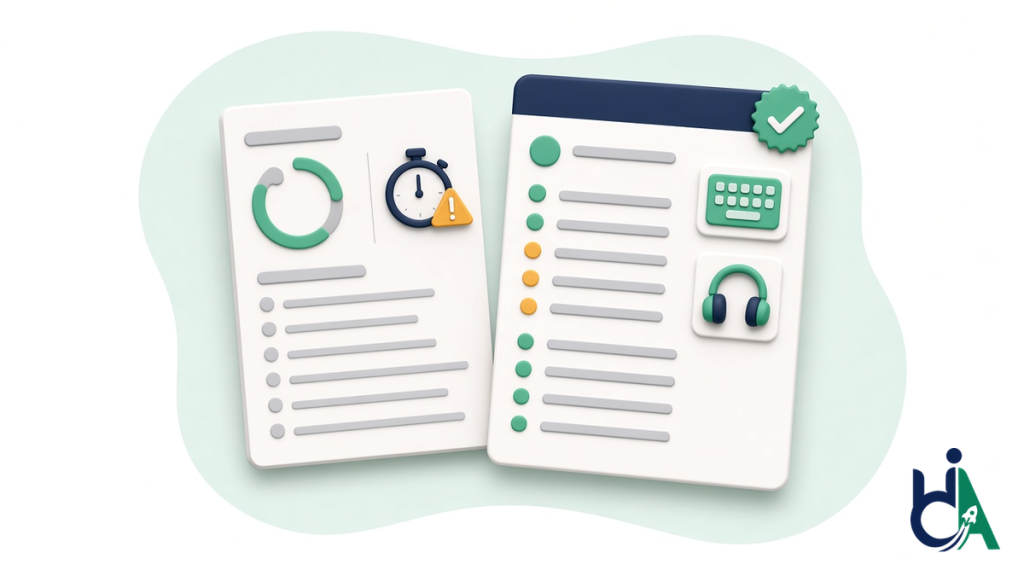
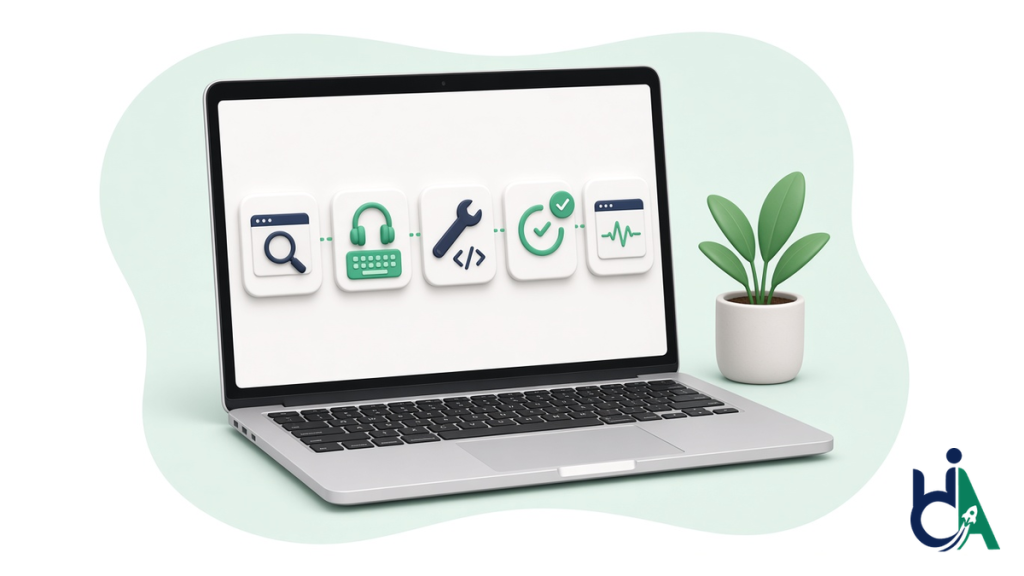
You don’t have to choose one method forever. The most cost-effective programmes use each where it is strongest:
- Scan first. Run a free check on your most important page with AccessibilityScore.in, our free axe-core WCAG scan, which shows severity, WCAG mapping and fix guidance for one public page. Fix the obvious code errors it finds. It is a starting point, and the tool itself says a score is not a compliance determination.
- Audit the journeys that matter manually. Pick the templates and flows tied to revenue, legal risk or a buyer’s request, and have them tested with a keyboard and screen readers against WCAG 2.2 AA (or the version your law or contract names).
- Fix at the source. Repair the code and content rather than layering scripts on top. Our guide to website accessibility remediation walks through the process.
- Re-test. Confirm each fix with the same method that found the problem, and keep the evidence.
- Monitor. Put automated checks into your release process and schedule manual spot checks after major changes. For tooling and CI/CD detail, see our automated accessibility testing guide.
How HalfAccessible Combines Both
Every audit we run is led by our IAAP-certified founder (CPACC, WAS, CPWA). We use automated tools for coverage and do the deciding with manual testing. Our fixed prices are published on the pricing page:
- $100 one-hour technical consultation: bring your existing scan results or a vendor’s report and we go through which findings are real, what is missing and what to fix first.
- $500 Quick Audit: up to 5 page templates, automated checks plus manual spot checks, a top-10 issues report mapped to WCAG 2.2 and a 30-minute review call. A fast expert baseline for smaller sites.
- $2,000 Complete Audit: up to 25 page templates or key user flows, a full manual audit with JAWS, NVDA, VoiceOver and keyboard, a severity-ranked report with fix guidance, a re-test of fixed issues, an accessibility statement draft and 90 days of support.
- $2,000 Shopify Accessibility Audit: the same depth as the Complete Audit, focused on storefront templates, cart and checkout.
You can see the format before you pay in our sample accessibility audit report. For a real example of a manual audit followed by fixes, our two-phase audit and remediation case study describes an agency client’s site that was tested with keyboard-only navigation and screen readers, including NVDA, rather than an automated scanner alone. Every issue was documented and screen-recorded, then fixed in code, and the engagement ran about eight weeks from audit kickoff to verified remediation.
Next Step: Get a Manual Baseline on the Journeys That Matter
If you have a scan report and are not sure what it is telling you, or a deadline or buyer is waiting, pick the step that fits:
- Start a fast baseline: start a $500 Quick Audit on up to 5 key templates.
- Get the full manual audit: see our manual accessibility audit services, including the $2,000 Complete Audit with full screen reader testing and a re-test.
- Talk it through first: book a free 30-minute call to scope what to test, or book the $100 one-hour technical consultation to review your scan results or a competing quote with your developers.
- See the proof: our sample audit report and case studies.