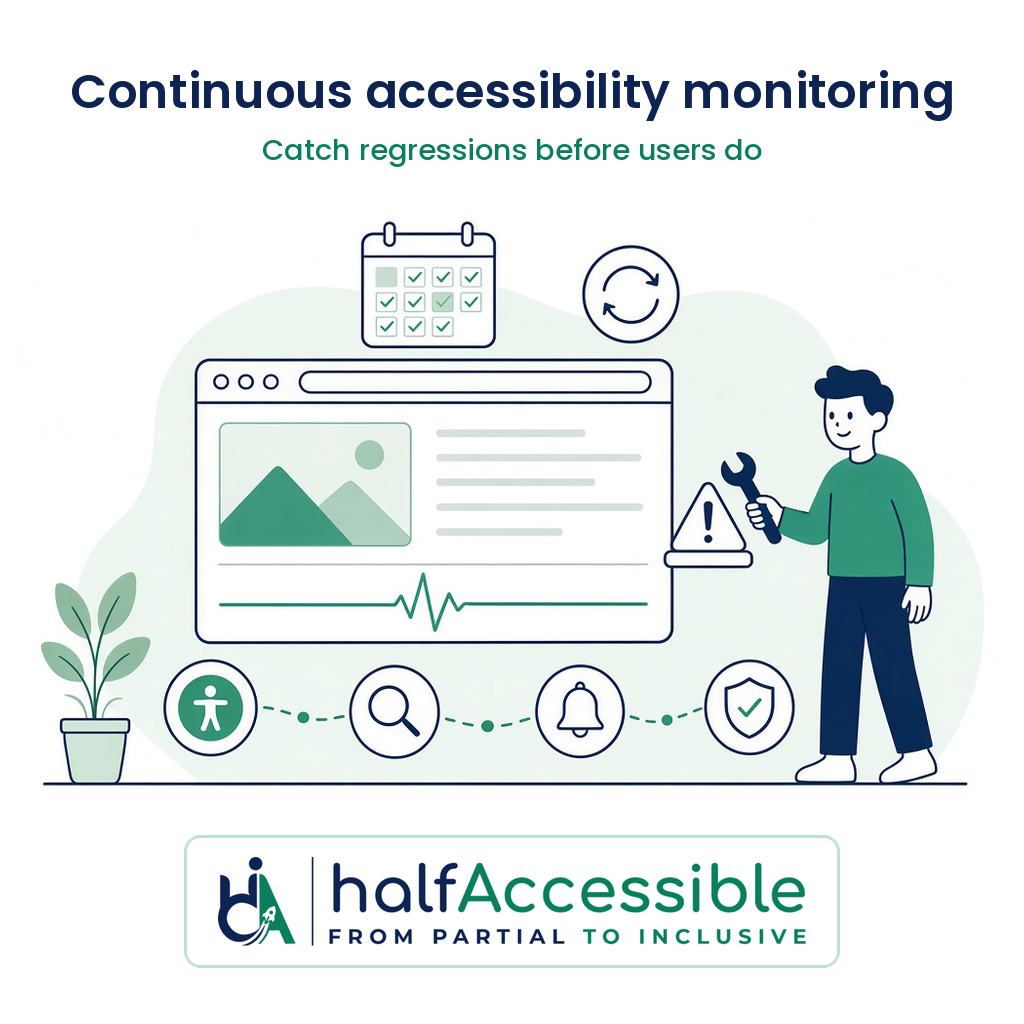
Continuous accessibility monitoring is how you keep a website, web app or store accessible after the audit is done, by combining scheduled automated scans with manual checks of the journeys that matter and a team that actually fixes what comes back. A scanner dashboard on its own is not monitoring you can defend: the W3C states that evaluation tools “can not determine accessibility, they can only assist in doing so”, and regulators in the EU, the US and the UK now expect organisations to keep their sites conformant over time, not just on the day of an audit.
This guide is written by IAAP-certified accessibility testers who audit, fix and monitor websites and products for a living. It is not legal advice. It explains why one-time audits decay, what each monitoring layer catches and misses, what the law now expects, the questions to ask any monitoring vendor, and what a sensible programme costs.
Why a One-Time Accessibility Audit Stops Protecting You
An audit is a snapshot. The moment your team ships a new template, a marketing page, a checkout app or a cookie banner, the snapshot starts to age. Three pieces of evidence show how fast that happens.
Websites are getting more complex, and less accessible
The WebAIM Million 2026 report, run in February 2026 on the top one million home pages, found:
- Detectable WCAG 2 failures on 95.9% of home pages, up from 94.8% in 2025, reversing six years of small improvements.
- An average of 56.1 detected errors per page, up 10.1% in a year.
- Home pages now average 1,437 elements, a 14.3% increase in one year, and ARIA code rose 27%.
WebAIM’s conclusion is the reason monitoring exists: home pages are getting larger and more complex “at an alarming rate, making accessibility more difficult to achieve and maintain.”
Companies that were sued once get sued again
UsableNet’s review of 2025 filings found that of more than 5,000 digital accessibility lawsuits filed in 2025, 1,427 targeted companies that had already faced an ADA web accessibility claim, and in federal court alone 46 percent of cases involved repeat defendants. A settlement or a single round of fixes does not stop the next plaintiff from testing the site again after your next release. Our ADA lawsuit remediation guide covers what to do when a demand letter has already arrived.
Regulators expect conformance to be maintained
The rules that buyers in the US, UK and EU face now describe accessibility as an ongoing duty:
| Where you operate | What the rule says about staying accessible | What that means for monitoring |
|---|---|---|
| EU (European Accessibility Act, applies since 28 June 2025) | Article 13(3) of Directive (EU) 2019/882 requires service providers to have “procedures in place so that the provision of services remains in conformity”, taking into account changes to the service, to the requirements and to the harmonised standards. Article 13(4) and 13(5) require corrective measures and evidence for a regulator on request. | You need a repeatable process and records, not a one-off certificate. The new EN 301 549 v4.1.1 standard, published in September 2026, is exactly the kind of “change in harmonised standards” the article mentions. |
| US state and local government (ADA Title II web rule) | Web content and mobile apps must meet WCAG 2.1 AA by 26 April 2027 for entities with a total population of 50,000 or more, and 26 April 2028 for smaller entities and special districts (ADA.gov). Under 28 CFR 35.205, an entity that is not in full compliance is treated as compliant only where it “can demonstrate” the noncompliance has a minimal impact on access. | Content keeps changing after the deadline. Being able to demonstrate impact means knowing what is broken, where, and since when. See our DOJ Title II web accessibility deadline guide. |
| UK public sector (Accessibility Regulations 2018) | The Government Digital Service monitors a sample of public sector sites against WCAG 2.2 AA. Bodies that receive a report must fix issues within 12 weeks, after which GDS retests and passes unresolved cases to the equality regulators. | Your own monitoring should find the issues before the regulator’s retest does. |
GDS’s own 2022 to 2024 monitoring report shows why outside checks bite: it monitored 1,203 websites and 21 mobile apps, and at the time of each detailed test none of the 52 websites were fully compliant. Of 29,787 issues found, 16,482 (55.3%) were fixed during monitoring, which is also proof that a test, report and retest loop works.
If your site has changed a lot since its last audit, book a consultation or start with a free accessibility needs assessment and we will tell you what a sensible monitoring scope looks like.
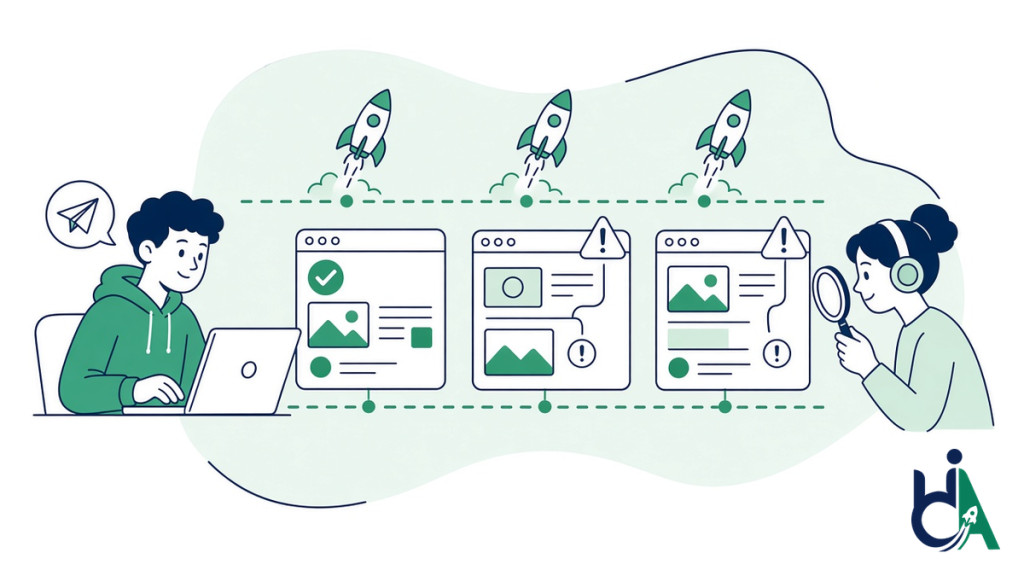
What Continuous Accessibility Monitoring Catches, and What It Misses
Automated scanning is the engine of most monitoring products, and it is genuinely useful. Deque’s study of more than 2,000 first-time audits, covering over 13,000 pages and page states and nearly 300,000 issues, found that automated axe tests identified 57.38% of issues by volume (Deque). Read that the other way round: on a typical site, more than four in ten issues still need a human to find them, and those include the ones that stop people completing a task.
GDS makes the same point in its monitoring method: “Automated testing does not find all accessibility issues.” It adds manual keyboard, zoom and small-screen checks because problems with keyboard functionality, visible focus and reflow “are unlikely to be found using automated testing.”
| Monitoring layer | What it catches well | What it misses | Sensible cadence |
|---|---|---|---|
| Scheduled automated scans of live pages | Missing alt text, missing form labels, low contrast text, empty links and buttons, missing page language, many ARIA errors | Whether alt text is meaningful, focus order, keyboard traps in custom widgets, screen reader announcements, anything behind a login the scanner cannot reach | Weekly or after each content push |
| Automated checks in the build or release pipeline | New component and template regressions before they ship | Content editors’ changes, third-party scripts added in the CMS or tag manager | Every pull request or release |
| Manual regression testing of key journeys | Keyboard-only use, NVDA, JAWS and VoiceOver behaviour, zoom and reflow, error handling, timeouts | Pages outside the sampled journeys | Monthly or quarterly, plus after redesigns |
| Governance and reporting | Who owns each issue, fix deadlines, trends, vendor accountability, an up-to-date accessibility statement or ACR | Nothing on its own; it only works if the layers above feed it | Monthly report, quarterly review |
The table explains a common buyer mistake. A green score on a scanner dashboard can sit alongside a checkout that a keyboard user cannot finish. Monitoring you can rely on samples the real journeys, sign-up, search, product pages, cart, checkout, forms and account areas, with real assistive technology. For the detail on each method, see our guides to automated accessibility testing, manual keyboard testing and screen reader testing.
Want to see what the automated layer picks up on your own site? Run any public page through AccessibilityScore.in, our free WCAG checker built on axe-core, and you get a score plus the severity, WCAG mapping and fix guidance for each issue it can detect. Treat it as a quick first look, not monitoring: everything in the “What it misses” column above still needs a person to test it.
The Four Parts of a Monitoring Programme That Holds Up
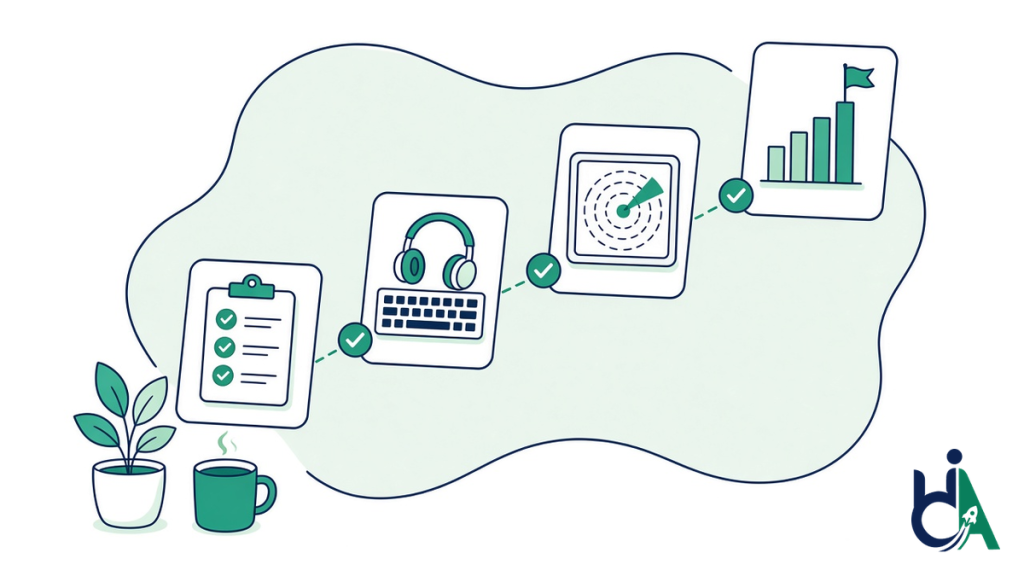
- A baseline audit. Monitoring measures change, so it needs a starting point. A full manual audit against WCAG 2.2 AA tells you what is already broken and gives every later scan something to compare with.
- Automated coverage of everything you can reach. Scan production on a schedule, include authenticated areas where the tool allows it, and add automated checks to the release pipeline so new components are caught before customers see them.
- Human regression testing on the journeys that earn money or carry legal risk. Keyboard and screen reader passes on the same user flows each cycle, so you can see whether last month’s fixes survived this month’s release.
- Governance that closes the loop. Named owners, severity-based fix deadlines, re-tests, monthly reporting, and a rule that every new plugin, app, widget or vendor is checked before it goes live. The UK model of report, fix within 12 weeks and retest is a useful benchmark for your own deadlines.
Third-party content deserves its own line in the plan. Chat widgets, booking tools, payment steps, review apps and consent banners change without your team touching the code, and GDS reminds public bodies that if they fund, develop or control third-party content, making it accessible is their responsibility.
Scanner Subscription, Overlay or Monitoring Service: How to Choose
| Option | What you get | Where it falls short | Best for |
|---|---|---|---|
| Scanner or dashboard subscription | Scheduled automated scans, scores and issue lists | Covers only what automation can detect; someone in-house still has to triage, test manually and fix | Teams with in-house accessibility skills and developers |
| Overlay or widget | A script that changes the page on load and a toolbar for visitors | Does not fix the source code; the FTC ordered accessiBe to pay $1 million in April 2025 and barred it from claiming its automated products can make any website WCAG-compliant or “ensure continued compliance with WCAG over time” without evidence | Not recommended as a compliance strategy |
| Managed monitoring service | Automated scans plus scheduled manual regression testing, reporting and expert triage, ideally with remediation from the same team | Costs more than a scanner licence and needs a clear scope | Stores, SaaS products, public bodies and agencies without a full-time accessibility team |
Our post on accessibility overlays and ADA lawsuits explains why widgets keep appearing in complaints rather than ending them.
10 Questions to Ask Any Accessibility Monitoring Vendor
- Which standard do you monitor against: WCAG 2.1 AA, WCAG 2.2 AA, EN 301 549 or all three?
- Which pages and user journeys are covered, and can you scan pages behind a login?
- How often do automated scans run, and do you check releases before they go live?
- How often does a person test the key journeys with a keyboard and screen readers, and which ones?
- Do you report issues by WCAG success criterion, page, component and severity?
- Do you remove false positives before the report reaches us?
- Who fixes the issues you find, and do you re-test the fixes?
- How do you handle third-party widgets, apps and embedded content?
- Will your reports support our accessibility statement, ACR or regulator response with dated evidence?
- Do you claim that your product makes us “compliant”? If the answer is yes without evidence, walk away.
Where to Start, by Type of Organisation
- Online stores: monitor product templates, filters, cart and checkout, plus every app on the way to payment. WebAIM found Shopify home pages averaged 75.1 detected errors, 33.9% above the overall average. See e-commerce and retail accessibility and our Shopify accessibility audit.
- SaaS and B2B software: add accessibility checks to the release pipeline and keep your ACR in step with each major release. See SaaS and B2B software accessibility and VPAT / ACR documentation.
- Public bodies and their suppliers: prioritise payments, applications, emergency information and documents, and put monitoring into vendor contracts before April 2027. See government and public sector accessibility.
- Agencies: run white-label monitoring across client sites so every launch and plugin update is checked. See white-label accessibility for agencies and our agency partner program.
- WordPress sites: themes, page builders and plugin updates are the usual source of regressions. See our WordPress accessibility audit.
What Continuous Accessibility Monitoring Costs with HalfAccessible
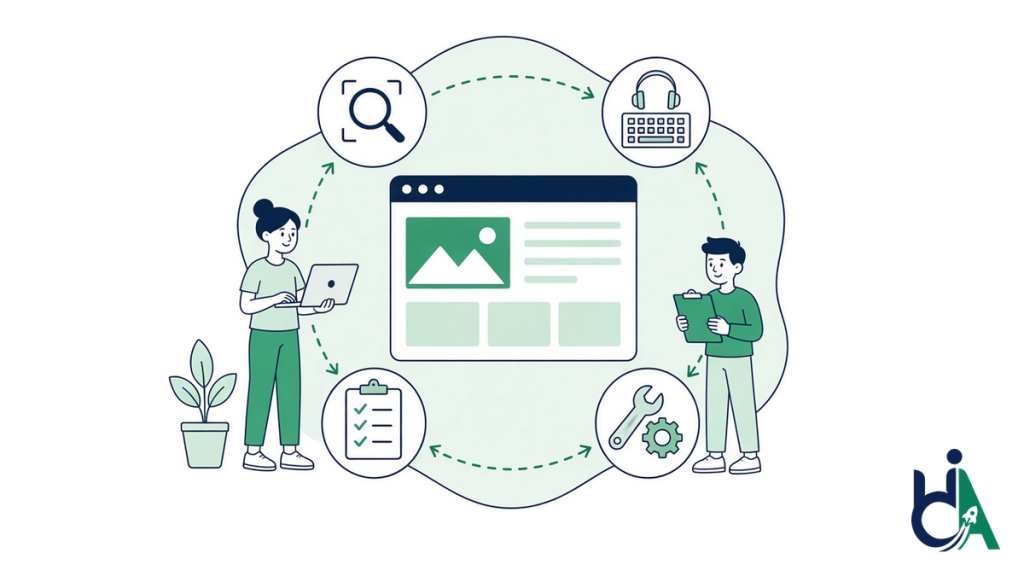
Monitoring starts with a baseline, then becomes a scoped ongoing programme. Our fixed prices cover the starting point:
| Your situation | Best starting point | Price |
|---|---|---|
| You want to know what monitoring scope makes sense for your site | Free accessibility needs assessment | Free |
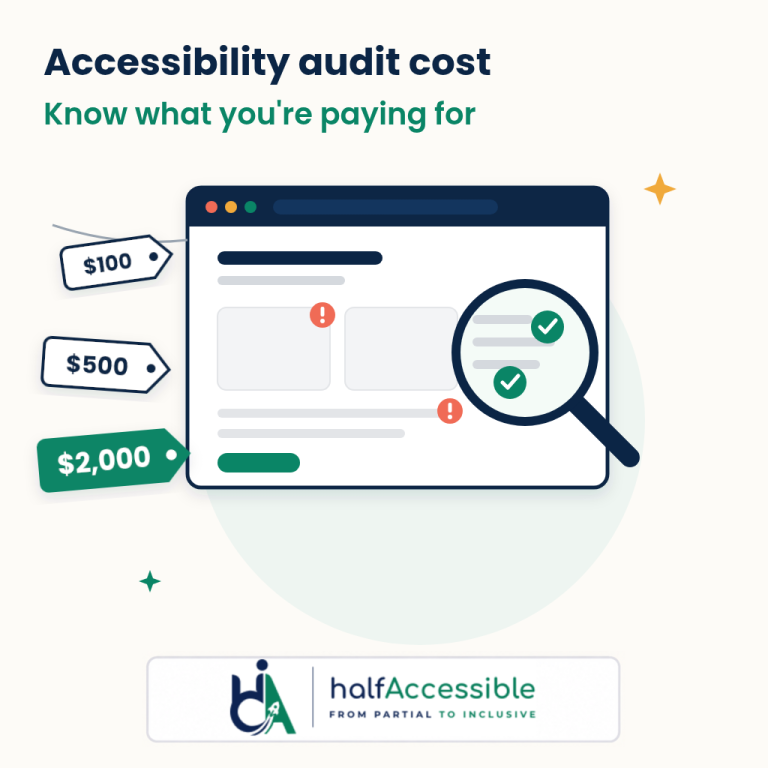
| You want an expert to look at your current tools, scans or reports | 1-hour accessibility consultation | $100 |
| Small site or store, need a fast baseline of the worst barriers | Quick Audit: up to 5 templates, top-10 issues report | $500 |
| You need a full baseline before monitoring, a re-test, and an accessibility statement draft | Complete Audit: full manual testing of up to 25 templates or key user flows, with re-test and 90-day support | $2,000 |
| Shopify store that needs a full baseline | Shopify Accessibility Audit | $2,000 |
| Ongoing scans, manual regression testing, reporting and fixes | Accessibility monitoring services as part of an Enterprise Program, with remediation from the same team | Quoted |
See the full pricing page, our breakdown of accessibility audit cost, or a sample audit report.
Keep Your Site Accessible After Every Release
An audit tells you where you stand today. Continuous accessibility monitoring keeps you there through redesigns, new apps, new content and new standards, and it gives you dated evidence when a customer, a regulator or a plaintiff’s lawyer asks what you have done.
HalfAccessible’s IAAP-certified testers set the baseline, run scheduled scans and manual regression tests with JAWS, NVDA and VoiceOver, and hand every issue to developers who fix it and re-test it. Prices for the starting point are fixed and public: $100 consultation, $500 Quick Audit and $2,000 Complete Audit.
Explore our accessibility monitoring services, get a free accessibility needs assessment, start a $500 Quick Audit, or book a consultation. If you would rather start with a quick automated check, get a free accessibility score for any public page first.