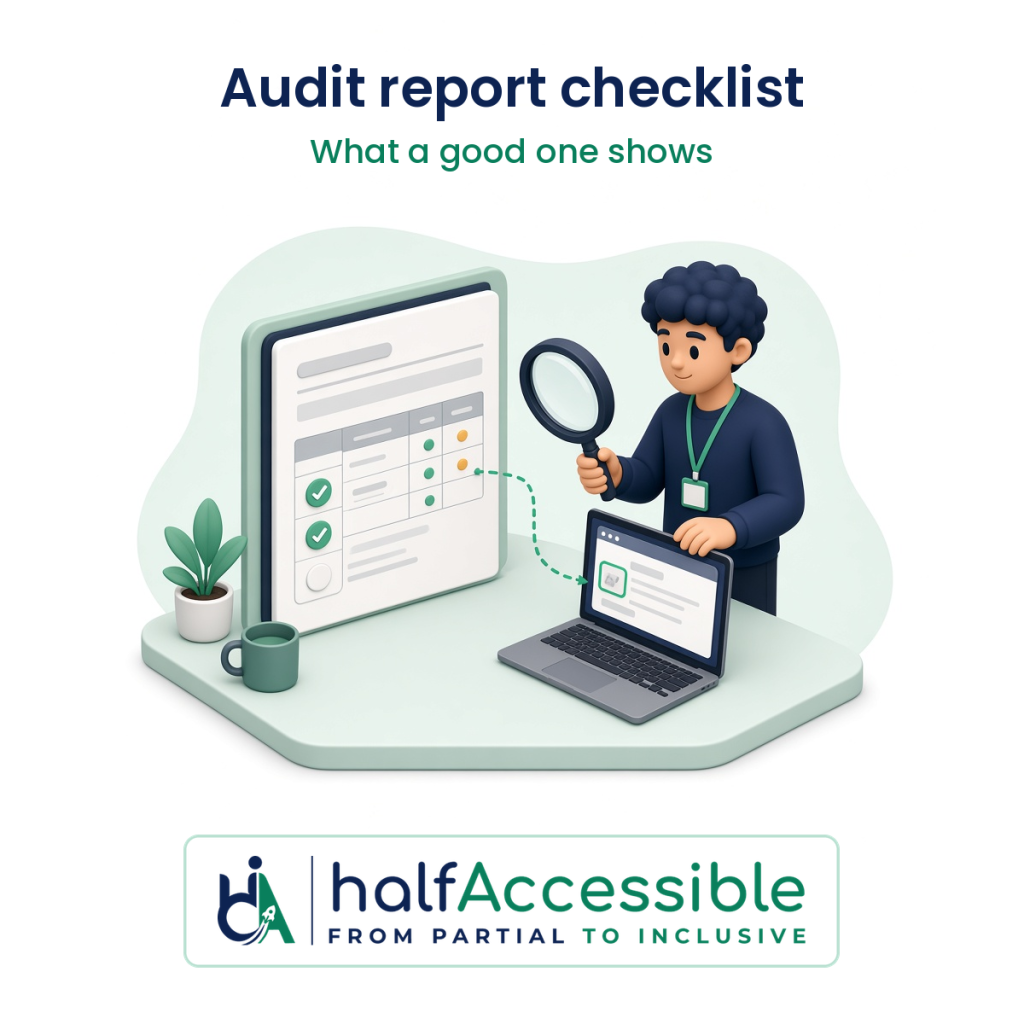
A good accessibility audit report tells you exactly what was tested, how it was tested, what fails, where, how badly and how to fix it, in enough detail that your developers can reproduce every issue and someone else could repeat the test and get the same result. If a report can’t show its scope, its method and its evidence, it isn’t something you can safely hand to a buyer, a regulator or a lawyer, however polished the cover page looks.
This guide is for the people who pay for audits and then have to use them: founders, product owners, ecommerce managers, agency leads and compliance or procurement teams. It turns the W3C’s own reporting guidance into a checklist you can use on any vendor’s report, ours included, before you sign and again when the report arrives. This is not legal advice.
Why the Report Is the Part You Are Really Buying
The testing happens on your site, but the report is what you keep. It is what your developers work from, what a procurement reviewer asks to see, what supports an Accessibility Conformance Report (ACR), and what shows a court or regulator that you found problems and dealt with them.
That’s why the W3C treats reporting as part of the method, not an afterthought. Its evaluation methodology, WCAG-EM 2.0 (published as a W3C Group Note on 23 July 2026), has five steps: define the scope, explore the product, select a representative sample, evaluate it, and report the findings. For the last step it says documenting the outcome of every earlier step is “essential” for “transparency, replicability of the evaluation results and justifications for any statements made based on this evaluation” (W3C, WCAG-EM 2.0).
In plain terms, a report you can rely on shows its work. Two reports can list the same number of issues and still be worth very different amounts, depending on whether you can tell what was tested and prove it.
The Accessibility Audit Report Checklist
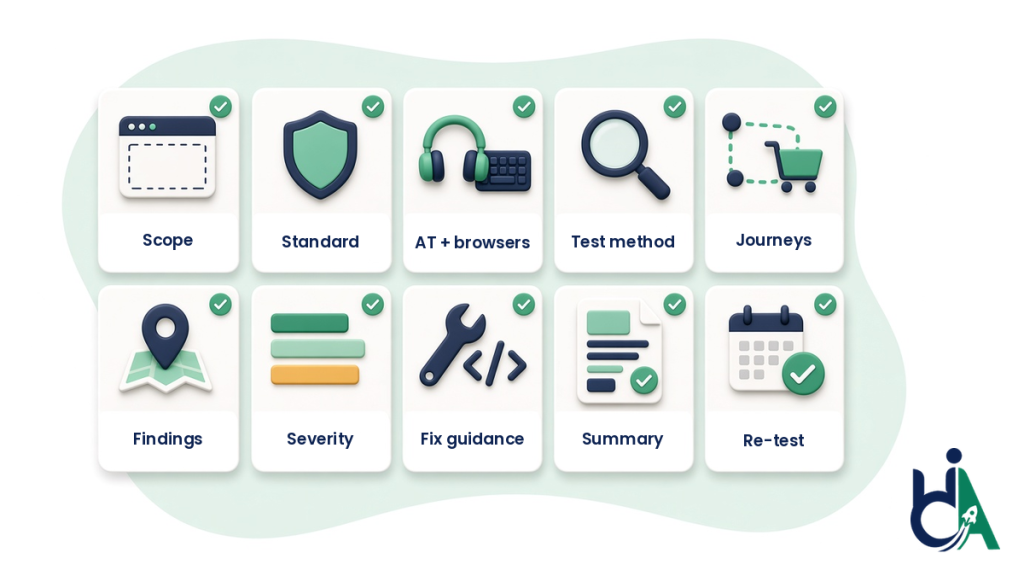
Use these ten checks on any report. The first five tell you what was tested. The last five tell you whether you can act on the results.
1. A clear scope, including what was left out
The report should name the product, its base URL, the exact pages, templates, screens and user flows that were reviewed, and the ones that were excluded. The W3C’s report template asks for “URLs included in review” and “URLs excluded from review”, plus screen captures where pages are generated dynamically (W3C WAI, Template for Accessibility Evaluation Reports). If the exclusions aren’t written down, you can’t tell whether your checkout, your login or your PDF library was ever looked at.
2. The standard and level tested against
You need the standard, the version and the level in writing, for example WCAG 2.2 Level AA. WCAG-EM calls Level AA “the generally accepted and recommended target”. If you sell to US federal agencies, ask for Section 508 coverage as well. If you sell into the EU, ask for EN 301 549 mapping.
3. The browsers and assistive technologies used
WCAG-EM asks evaluators to define an “accessibility support baseline”: the web browsers, assistive technologies and other user agents the product is expected to work with. A credible report names them, for example NVDA with Firefox or Chrome, JAWS with Chrome, VoiceOver with Safari on macOS and iOS, and keyboard-only testing. A report that never mentions a screen reader hasn’t tested what a screen reader user experiences.
4. A method that separates manual testing from tool output
The W3C template asks the reviewer to “indicate which pages were reviewed manually as opposed to by semi-automated evaluation tools” and to list the evaluation tools and their versions. Its background section is blunt: conformance evaluation “requires a combination of semi-automated evaluation tools and manual evaluation by an experienced reviewer”. If the method section is one line about “our proprietary scanner”, you’ve bought a scan. Our guide to manual vs automated accessibility audits explains what each method can and can’t prove.
5. Complete user journeys, not only single pages
WCAG-EM requires every page or view in a complete process to be included in the sample. Its own example is a web shop: proceed to checkout, confirm payment, enter details and complete the purchase, plus the common branches such as adding a new shipping address. A report that tests your product page but not the cart and checkout can’t tell you whether a customer can actually buy anything.
6. Findings mapped to success criteria, with evidence
Each issue should name the WCAG success criterion it fails, where it happens, what a user experiences, and how to reproduce it. WCAG-EM notes that “clear issue descriptions, steps to reproduce, severity of the findings, screenshots and/or videos can help teams resolve issues more quickly”. Reports should also include at least one example of each success criterion that isn’t met, and flag issues that repeat.
7. Severity and priority you can plan around
A flat list of 300 issues doesn’t help a product team plan a sprint. Look for a severity rating on every issue (for example, whether it blocks a task, makes it hard, or is a minor annoyance) and a recommended order of work, so the barriers that stop people finishing a task get fixed first. The W3C template includes “recommended priorities for addressing inaccessible features of site”.
8. Fix guidance a developer can ship
The W3C template asks for “recommendations for addressing non-conformant checkpoints” and links to the relevant WCAG success criteria and techniques. Good fix guidance says what to change in the code or content, ideally with a short code example, and prefers native HTML over piling on ARIA. WCAG-EM treats repair suggestions as something the client can ask for when the scope is agreed, so put it in the contract rather than assuming it’s included.
9. An executive summary written for decision-makers
Someone who will never open the issue list still needs to know where the product stands. The W3C template opens with an executive summary that says whether the site meets, doesn’t meet or is close to meeting the target, and the results section adds an interpretive summary, the product’s strengths and the priorities. That page is what you’ll forward to leadership, a client or a buyer.
10. Reviewer, dates and a re-test record
The report should say who did the review, what their expertise is, and when the testing happened. The W3C template notes that “the website may have changed since that time”, which is exactly why the date matters. If fixes are part of the engagement, you also want a re-test section that shows which issues were verified as fixed and when. WCAG-EM lists the dates of repeat evaluations as part of good documentation. A re-test turns a list of problems into evidence that they were solved.
What a Good Finding Looks Like
Here’s an illustrative example of a single finding written well. It’s an example we made up to show the format, not an extract from a client report.
| Field | Example entry |
|---|---|
| Issue | Quantity stepper buttons have no accessible name |
| Where | Cart page, every line item (template: cart) |
| WCAG success criterion | 4.1.2 Name, Role, Value (Level A) |
| What the user experiences | NVDA and VoiceOver announce “button” with no label, so a screen reader user can’t tell which button adds and which removes an item |
| Steps to reproduce | Add any product to the cart, open the cart, Tab to the quantity control, listen to the announcement |
| Tested with | NVDA with Chrome on Windows; VoiceOver with Safari on iOS |
| Severity | High: it blocks a core purchase task |
| Recommended fix | Give each button a visible or programmatic name such as “Decrease quantity of [product]” and “Increase quantity of [product]”, and announce the updated quantity |
| Evidence | Screenshot and short screen recording attached |
| Re-test | Verified fixed on [date] |
Compare that with a line that just says “Button missing label (4.1.2), 14 instances”. Both are technically correct, but only the first one lets a developer fix it in minutes and lets you prove later that it was fixed.
What an Audit Report Is Not
Buyers often expect a report to do jobs it can’t do. Knowing the limits up front saves arguments later.
It is not a score
Scores are easy to share, but WCAG-EM is direct about them: “aggregated scores can be misleading and do not provide sufficient context and information to understand the actual accessibility of a digital product”, and WCAG 2 doesn’t provide a rating scheme. If a report leads with a percentage, make sure the scoring method is documented, as WCAG-EM says it should be, and read the findings underneath. A free scan such as the AccessibilityScore WCAG checker, which HalfAccessible built on axe-core, is a useful first look at one public page and shows when a manual audit is the right next step. It’s a starting point that complements a manual audit, not a replacement for one.
It is not a conformance claim for the whole site
Most audits test a representative sample, not every page. WCAG-EM says conformance claims “cannot be made for entire websites based upon the evaluation of a selected sub-set of web pages and functionality alone”, because there may always be errors that weren’t found. A careful report says what the sample showed and doesn’t promise more. Be wary of any report that certifies your whole site as “100% compliant”.
It is not an ACR (but it should feed one)
An Accessibility Conformance Report is a different document with a different reader. Section508.gov describes an ACR as a document that explains how a product meets the Revised 508 Standards, to help federal contracting officials and government buyers evaluate it (Section508.gov, Accessibility Conformance Report). It’s usually written on the VPAT template, criterion by criterion. The audit report is the testing evidence underneath it. If a buyer has asked for an ACR, see what goes into one in our guide to VPAT cost, or ask for VPAT and ACR documentation quoted together with the audit.
Red Flags in an Accessibility Audit Report
If you see any of these, ask questions before you rely on the report:
- No scope or exclusions. You can’t tell which pages, templates or flows were tested.
- No standard version or level. “WCAG compliant” without “2.2 Level AA” (or similar) is meaningless.
- No assistive technology named. If there’s no screen reader, browser or keyboard testing listed, there probably wasn’t any.
- Tool output with a logo on it. Rule codes, a score and generic “how to fix” text copied from a scanner, with no steps to reproduce and no screenshots. The W3C warns that tools “can not determine accessibility, they can only assist in doing so” (W3C WAI, Selecting Web Accessibility Evaluation Tools).
- A guarantee of compliance, or an overlay bundled in. In April 2025 the FTC approved a final order requiring accessiBe to pay $1 million and barring it from claiming its automated products can make any website WCAG-compliant without evidence to back that up (FTC press release).
- No dates and no reviewer. Without them you can’t show anyone when, or by whom, the product was checked.
- No fix guidance and no re-test option. You get a problem list and no way to prove the problems are gone.
Questions to Ask Before You Sign, So You Get the Report You Need
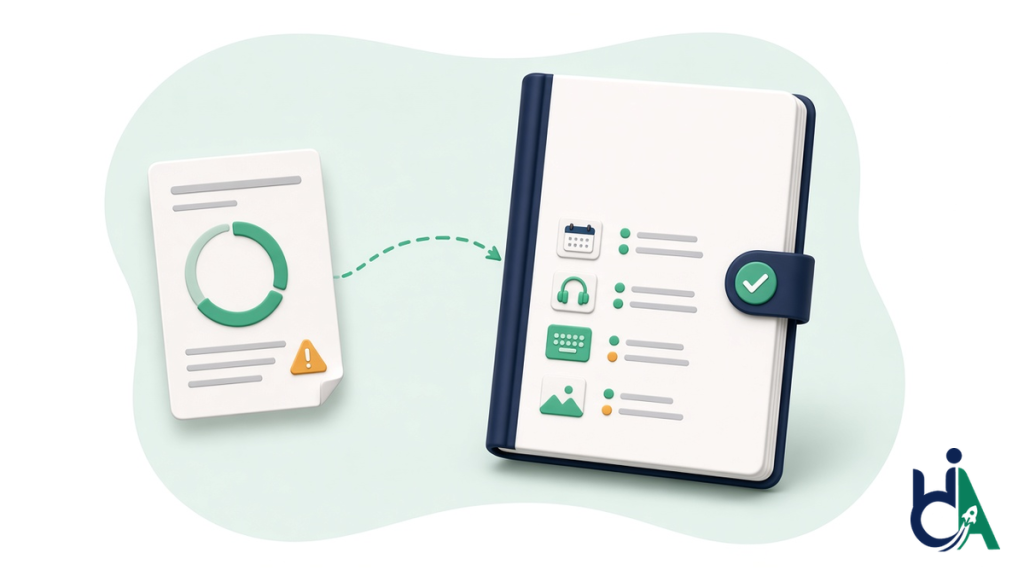
The report you receive is shaped by what you agree at the start. WCAG-EM expects the scope to be set with the person commissioning the audit, and lets you add requirements such as repair suggestions or a list of every failure occurrence. Ask these before work begins:
- Which pages, templates and user flows are in scope, and which are excluded?
- Which standard, version and level will you test against, and will you map to Section 508 or EN 301 549 if we need it?
- Which screen readers, browsers and devices will you use, and will testing be done by hand?
- Can we see a sample report in the format we’ll actually receive?
- Will each finding include steps to reproduce, a severity rating, screenshots and a recommended fix?
- Is a re-test of fixed issues included, and how is it recorded?
- Who will do the testing, and what certifications or experience do they have?
- If we need an ACR later, can the report be used as its evidence?
Our guide on how to choose an accessibility audit company covers the wider vendor questions, from credentials to contract terms.
What a HalfAccessible Audit Report Includes
We publish our format so you can judge it against this checklist before you pay. Our sample accessibility audit report shows the same WCAG 2.2 structure we deliver on paid audits: an executive summary, issue-by-issue findings mapped to WCAG 2.2 criteria with severity ratings, screenshots and where each issue appears, developer-ready fix guidance, and notes on assistive technology testing with NVDA, JAWS and VoiceOver.
What you receive depends on the package, and the prices are fixed and confirmed in writing before work starts (see accessibility audit pricing):
- Quick Audit, $500: up to 5 page templates, automated and manual spot checks, a top-10 issues report mapped to WCAG 2.2, and a 30-minute review call.
- Complete Audit, $2,000: up to 25 page templates or key user flows, a full manual audit with JAWS, NVDA, VoiceOver and keyboard, a severity-ranked report with fix guidance, a re-test of fixed issues, an accessibility statement draft and 90-day support.
- Shopify Accessibility Audit, $2,000: storefront templates, cart and checkout flows at the same depth as the Complete Audit, 10 to 14 business days from scoping to final report.
Audits are founder-led by an IAAP-certified tester (CPACC, WAS, CPWA). For a real example of a report being put to work, see our audit-then-remediation case study: every issue in the manual audit was documented and screen-recorded for the client’s team, then fixed in the site’s code in a second phase, in about eight weeks from audit kickoff to verified remediation. When you’re ready to act on a report, our accessibility remediation service fixes the issues and re-tests them.
Next Step: See the Format, Then Get Your Own Report
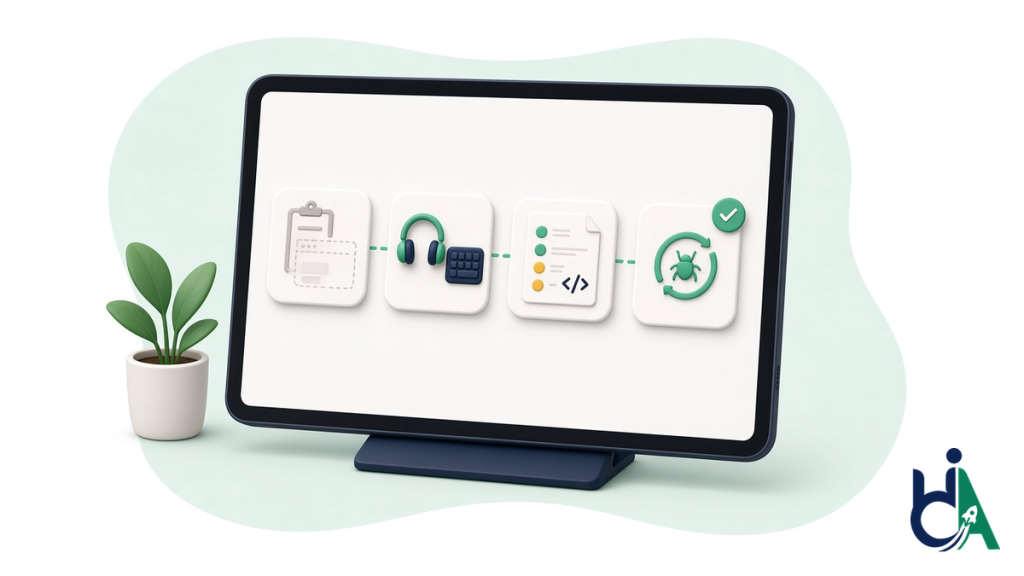
If you’re comparing vendors, or you already have a report and aren’t sure it’s enough, pick the step that fits:
- See what you’d receive: request our free sample accessibility audit report and hold it against the checklist above.
- Get a fast expert baseline: start a $500 Quick Audit on up to 5 key templates.
- Get the full manual audit: see our manual accessibility audit services, including the $2,000 Complete Audit with a re-test.
- Talk it through first: book a free 30-minute call to scope what to test, or book the $100 one-hour technical consultation to walk through an existing report or a competing quote with your developers.
- See the proof: browse our accessibility case studies.