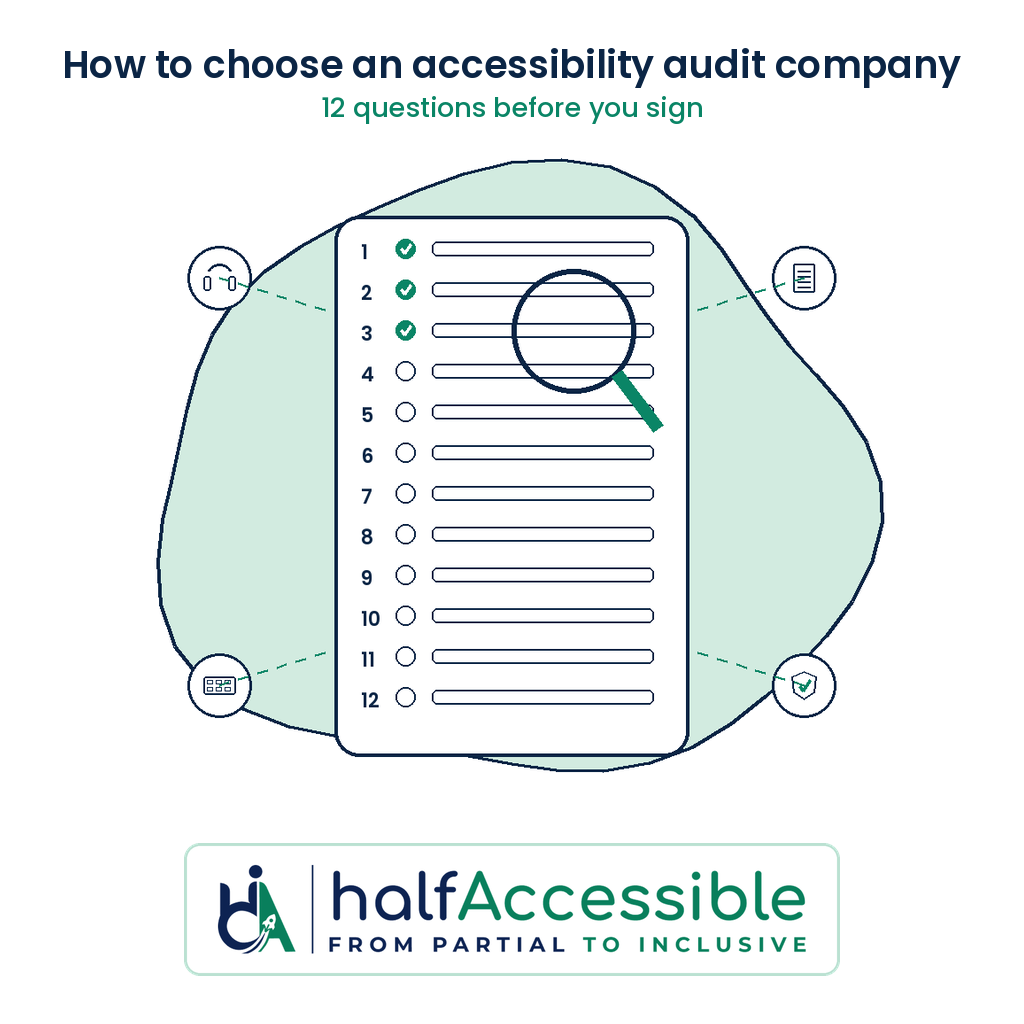
Choosing an accessibility audit company is less about who has the flashiest scanner dashboard and more about who can prove, in writing, that a real person tested your product with a keyboard and screen readers, mapped every barrier to a WCAG criterion, and will re-test the fixes. Use the 12 questions below to compare quotes side by side before you sign.
This guide is for store owners, SaaS and product teams, agencies, public bodies and compliance leads who are ready to buy an audit. It is written by Shadab Saifi, founder of HalfAccessible, who holds the IAAP (opens in a new tab) CPACC, WAS and CPWA certifications and has 10+ years of accessibility testing experience, so it reflects the questions we answer on real sales calls. It is not legal advice.
Why Your Choice Of Auditor Matters, At A Glance
- 57.38%: Share of issues automated axe tests found in 2,000+ first-time audits, so the rest needed a person with a keyboard and screen reader (Source: Deque coverage report (opens in a new tab))
- $1M: Paid by accessiBe under an April 2025 FTC final order over claims its widget could make any website WCAG compliant (Source: FTC press release (opens in a new tab))
- 24.25%: Of U.S. ADA website lawsuits from January to June 2026 (496) were filed against sites that already had an accessibility widget (Source: EcomBack 2026 mid-year report (opens in a new tab))
- 95.9%: Of the top one million home pages had detectable WCAG 2 failures in February 2026, so most sites start with real work to do (Source: WebAIM Million 2026 (opens in a new tab))
Choose Your Next Step
Shortlisting vendors? Put HalfAccessible through the same 12 questions. Most buyers start with a free call to agree scope and get a written quote. If you already have a report from another vendor, a demand letter or a developer who needs answers on a live site, the $100 one-hour technical consultation is the better fit. Every package is fixed price on our pricing page, and you can check the format first in our sample audit report.
Free 30-Minute Call
Best for: buyers comparing audit companies who want scope, method and price in writing
A first conversation with our founder about your site or product, your deadline and what you need to prove. You leave with a recommended scope and a fixed quote. No prep needed.
Book a free 30-minute call (opens in a new tab)
Quick Audit ($500)
Best for: small sites and stores that want a fast expert baseline before a bigger commitment
Manual and automated testing of up to 5 templates with a top-10 issues report, each mapped to WCAG 2.2 with fix guidance.
Complete Audit ($2,000)
Best for: teams that need full coverage, a re-test and evidence for buyers, partners or regulators
Up to 25 templates or key flows tested with keyboard, NVDA, JAWS and VoiceOver, plus re-test, an accessibility statement draft and 90 days of support. Shopify stores get the same price.
Compare accessibility audit services
Why This Decision Matters Now
Tools cannot certify your site
The W3C WAI guidance on selecting evaluation tools states that evaluation tools “can not determine accessibility, they can only assist in doing so.” A company that sells scanner output as a full audit is selling the wrong product.
- Ask: How much of the work is manual testing by a named person
- Watch for: A score or dashboard presented as the final deliverable
Overlay claims have drawn regulators
In April 2025 the FTC approved a final order requiring accessiBe to pay $1 million over claims that its automated widget could make any website WCAG compliant. Treat “instant compliance” language as a red flag.
- Read: Accessibility overlays and ADA lawsuits
- Watch for: Auditors who also sell a widget
Buyers and regulators want evidence
Federal and enterprise procurement still lean on tested results and documentation such as a VPAT/ACR. Public and EU-facing teams need findings that map to WCAG 2.2 and the rules they answer to.
- Rules: ADA, Section 508, EAA/EN 301 549 and others, named in the quote
- Ask: Whether the report can support an ACR or accessibility statement
A free automated pass is still useful as a first look. Run a public page through AccessibilityScore.in, HalfAccessible’s free WCAG checker (powered by axe-core) to see common code-level issues and issue-level guidance. Treat that score as triage only: it does not replace keyboard, screen reader or journey testing in a manual audit.
What a Credible Audit Company Should Deliver
Before you dig into the 12 questions, agree what “good” looks like:
| Deliverable | Why it matters |
|---|---|
| Named testers and credentials | You know who did the work, not a black-box “AI audit” |
| Listed assistive technologies | Proves keyboard and screen reader coverage, not only automated rules |
| Issues mapped to WCAG 2.2 success criteria | Developers and procurement can act on the same language |
| Severity, location and recommended fix | Turns findings into tickets instead of vague advice |
| Scope in templates or user flows | Price and coverage stay comparable across vendors |
| Re-test of fixed issues | Evidence that barriers actually closed |
| Fixed price in writing | Protects you from open-ended hourly bills |
Ask to see a sample audit report before you buy. For cost bands and what cheap quotes leave out, read accessibility audit cost.
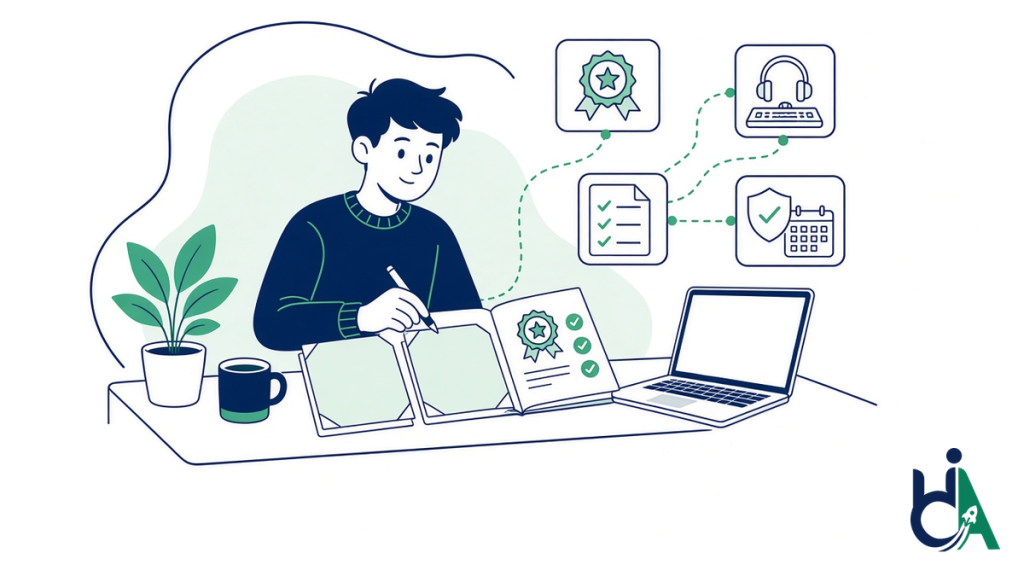
The 12 Questions to Ask Before You Sign
Ask every shortlisted vendor the same questions and score the answers in a shared sheet. Vague or marketing-heavy replies are a signal to walk away.
1. Who actually does the testing, and what credentials do they hold?
Ask for named people, not a team photo. Look for certifications from the International Association of Accessibility Professionals (IAAP) such as CPACC, WAS or CPWA, and for Section 508 work ask about DHS Trusted Tester or equivalent experience.
- Good answer: Named testers with credentials you can look up
- Red flag: No names, so the report cannot be verified
2. Which assistive technologies and devices are in scope?
A real audit lists them: keyboard-only navigation plus mainstream screen readers such as NVDA, JAWS, VoiceOver and TalkBack on the platforms your users use. See our screen reader accessibility testing and manual keyboard accessibility testing guides.
- Good answer: A written list of screen readers, browsers and devices
- Red flag: Mobile left out when most of your traffic is mobile
3. Is this a manual audit, an automated scan, or both?
Both should appear. Automated scanning finds many code-level failures quickly; manual testing finds the interaction barriers scanners miss. Tools assist, they do not determine accessibility.
- Good answer: Automated coverage plus manual testing of key journeys
- Red flag: A “scan only” quote sold as an audit
4. What standard and conformance level are you testing against?
Most commercial sites target WCAG 2.2 Level AA. Add Section 508, EN 301 549, IS 17802 or other rules only when your market needs them, and get the standard and level named in writing.
- Good answer: WCAG 2.2 AA plus the laws your market answers to
- Red flag: Quotes that compare different bars without saying so
5. How is scope defined: pages, templates or user journeys?
Prefer templates and journeys over raw page counts. A 20,000-product store may only have 10 to 15 unique templates. For stores, see our ecommerce accessibility audit guide.
- Good answer: Checkout, account flows, admin tools or key SaaS workflows named
- Red flag: A page count with no journeys listed
6. What does each finding include in the report?
Every issue should carry the WCAG success criterion, severity, affected template or flow, steps to reproduce and a recommended fix, ideally with a code pointer.
- Good answer: A sample report your developers could turn into tickets
- Red flag: A traffic-light score with no actionable detail
7. Is the price fixed in writing before work starts?
Open-ended hourly audits are hard to compare and easy to overrun. At HalfAccessible the fixed packages are a $500 Quick Audit, a $2,000 Complete Audit and a $2,000 Shopify Accessibility Audit. Compare them on the pricing page and the accessibility audit services page.
- Good answer: One price for a written scope
- Red flag: A price that only appears after a long, unscoped discovery
8. Is a re-test of fixed issues included?
Without a re-test you only have a list of problems, not evidence they closed. Ask whether a re-test is included, how many rounds, and whether new issues found during it are out of scope.
- Good answer: Re-test included, with rounds stated
- Red flag: Every re-test billed as a new audit
9. Do you sell an overlay or “instant compliance” product?
Auditors who also sell overlays have a conflict of interest, and instant-compliance marketing conflicts with the W3C tool guidance and the FTC accessiBe order. If an overlay is already on your site, see how an accessibility overlay replacement moves the fixes into your code.
- Good answer: Testing, fixing and documenting the product itself
- Red flag: An audit bundled with a widget subscription
10. Can you help after the report: remediation, VPAT or monitoring?
An audit that stops at a PDF leaves you with a backlog and no hand-off. Ask whether the same team does accessibility remediation, VPAT and ACR documentation or monitoring and governance. Agencies should ask about branding and SLAs via the agency partner program.
- Good answer: Fixes and re-tests from the team that found the issues
- Red flag: A report handed over with no support window
11. How long will the engagement take, and what do you need from us?
Typical focused audits land in about one to four weeks depending on scope and access. Clarify staging vs production access, test accounts, third-party widgets and who on your side answers questions.
- Good answer: A written timeline tied to the date you give access
- Red flag: A vague marketing range with no access checklist
12. What happens if we disagree with a finding?
You want a clear review process: how to challenge severity, how evidence is shared (recordings, steps, screenshots) and how disputes are resolved before the final report is locked.
- Good answer: Evidence for every finding and a review step before sign-off
- Red flag: Defensive answers to a simple question
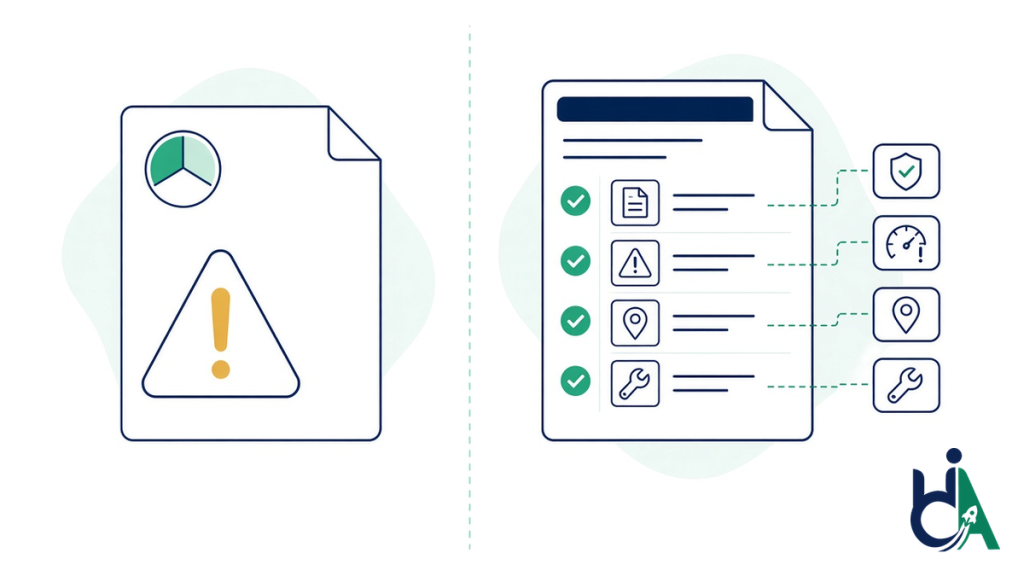
Red Flags That Should End the Conversation
Walk away, or sharply renegotiate, if you hear any of these:
| Red flag | Why it is a problem | Ask for instead |
|---|---|---|
| “Our widget or AI will make you compliant.” | Conformance is not a plug-in claim, and 24.25% of H1 2026 ADA website lawsuits hit sites that already had a widget | Manual testing and fixes in your own code |
| No named testers and no assistive technology list | You cannot verify the method | Named testers and a written AT and device list |
| A scan PDF sold as a full audit | Useful triage, wrong deliverable for procurement or legal risk | Manual plus automated testing of key journeys |
| No WCAG mapping and no fix guidance | Your engineering team cannot act | Findings mapped to WCAG 2.2 with recommended fixes |
| A price that only appears after a long discovery with no written scope | You cannot compare vendors | A fixed price for a written scope |
| Refusal to share a sample report | You are buying blind | A real sample audit report |
| Guaranteed lawsuit immunity | No auditor can promise that; evidence and fixes reduce risk, they do not erase it | Dated evidence: report, fixes and re-test |
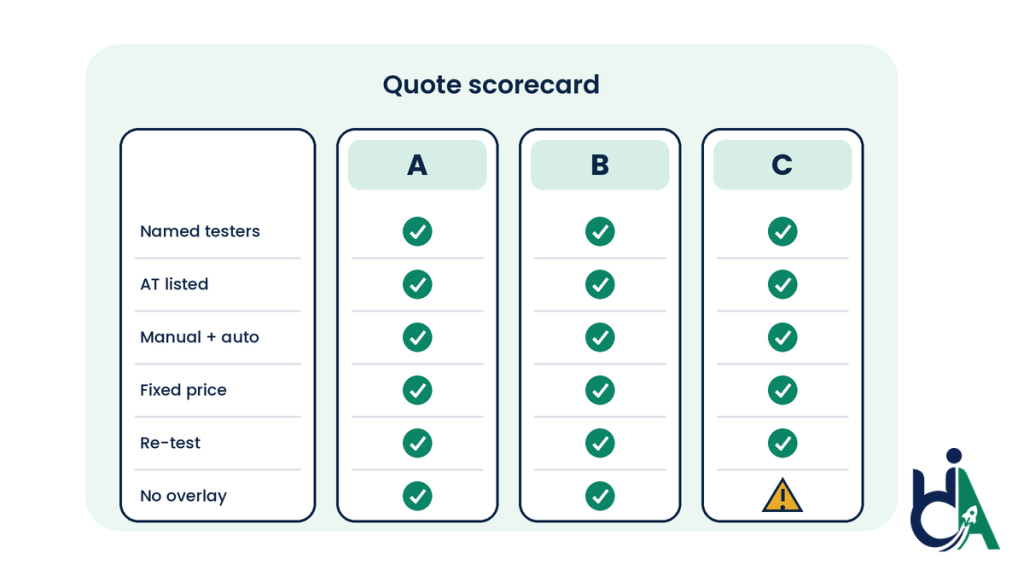
How to Compare Quotes in One Sitting
Build a simple scorecard. Weight the rows that matter most for your risk (for example checkout coverage for ecommerce, ACR readiness for SaaS procurement).
| Criterion | Vendor A | Vendor B | Vendor C |
|---|---|---|---|
| Named certified testers | |||
| AT and devices listed | |||
| Manual + automated methods | |||
| Standard and level named | |||
| Templates / journeys in scope | |||
| Sample report quality | |||
| Fixed price | |||
| Re-test included | |||
| No overlay conflict | |||
| Post-audit help available | |||
| Timeline and access needs clear | |||
| Dispute process stated |
Fill it from written proposals only. Marketing decks do not count.
What HalfAccessible Answers Look Like
For buyers who want a concrete reference point while they shop around, here is how we answer the same questions:
| Question | HalfAccessible’s answer |
|---|---|
| Who tests? | Founder-led work by Shadab Saifi with IAAP (opens in a new tab) CPACC, WAS and CPWA credentials, plus DHS Trusted Tester experience for Section 508-style testing |
| Which methods? | Automated scanning plus manual keyboard and screen reader testing (NVDA, JAWS, VoiceOver, TalkBack) |
| What does it cost? | $500 Quick Audit, $2,000 Complete Audit, $2,000 Shopify Accessibility Audit, fixed in writing. Details on accessibility audit services and pricing |
| Can I see a report first? | Yes, a free sample audit report |
| What happens after the audit? | Remediation, VPAT/ACR and monitoring from the same team. Process context: website accessibility remediation and continuous accessibility monitoring |
Next Step: Compare Quotes With a Clear Checklist
Use the 12 questions on every proposal, then look at a real sample report and a fixed-price package that matches your scope. Still scoping? Book a free 30-minute call (opens in a new tab), a first conversation to understand where you stand and get a quote. Need a technical session on an existing report or a demand letter? Book the $100 one-hour consultation.
Want a first expert baseline? ($500)
Best for: small sites and stores
Need full coverage? ($2,000)
Best for: products, stores and public services that need evidence. Shopify store? See the $2,000 Shopify Accessibility Audit.
See accessibility audit services
Prefer a written brief first? (Free)
Best for: teams gathering quotes. Compare pricing or review the sample audit report.