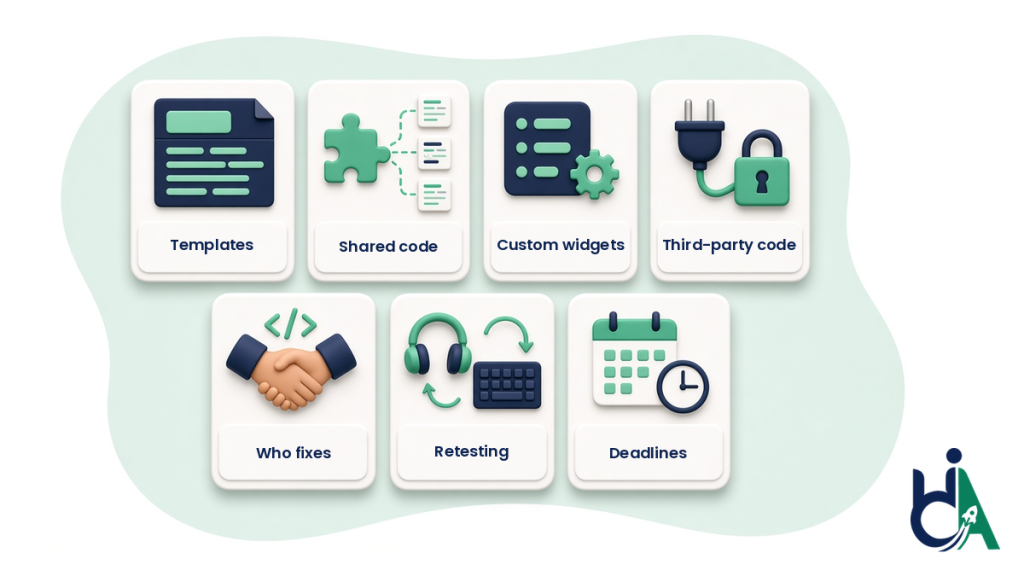
Accessibility remediation cost depends far less on how many pages you have than on how many unique templates and components carry the barriers, how severe they are, who writes the fixes and whether every fix is retested by a person. That is why a credible remediation quote comes after someone has looked at your audit findings, and why two quotes for “the same site” can differ so much: they are often pricing different work.
This guide is for the people who sign off on the fix after an audit: ecommerce and Shopify store owners, SaaS and product leads, agency owners and compliance or procurement teams. It explains the pricing models you will see, the seven things that move the price, what a remediation quote should include, the red flags, and how HalfAccessible prices this work. It is not legal advice. If you want to understand the remediation process itself first, read our website accessibility remediation guide.
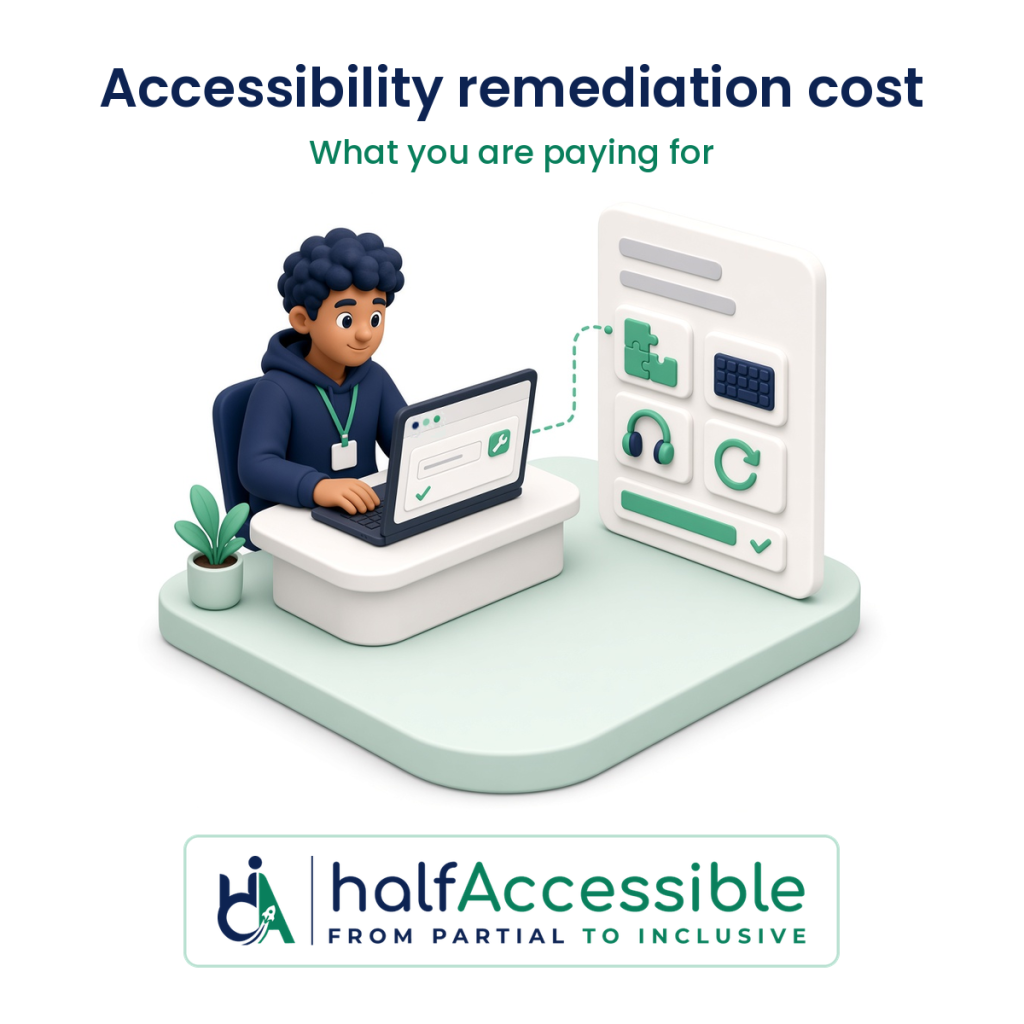
What You Are Actually Paying For
An audit tells you what is broken. Remediation is the engineering and verification work that fixes it in your source code, content and documents, then proves the fix works. A remediation price usually covers five kinds of work:
- Triage and planning: reading the audit, grouping findings by root cause and agreeing what gets fixed first.
- Code and content fixes: changes to templates, components, theme files, forms, ARIA, alt text, headings and documents.
- Assistive technology validation: checking each fix with a keyboard and screen readers such as NVDA, JAWS and VoiceOver, plus zoom and reflow.
- Retest of the original scope: re-running the same journeys and templates the audit covered, so you know nothing regressed.
- Evidence: a record of what changed, which WCAG success criterion it maps to, who verified it and when.
Quotes that look cheap usually drop steps 3 to 5. That matters because the W3C says evaluation tools “can not determine accessibility, they can only assist in doing so”, and that they can produce false or misleading results (W3C, Selecting Web Accessibility Evaluation Tools). Fixes checked only by re-running a scanner are fixes nobody has confirmed with a real keyboard or screen reader.
The Four Ways Remediation Gets Priced
You will meet four pricing models. None is automatically better; each fits a different situation.
| Pricing model | How it works | Good fit | Watch out for |
|---|---|---|---|
| Fixed-price project | One price for an agreed list of findings, templates or journeys, including retest | You already have an audit and a clear scope | Change requests when new templates appear; check what “done” means |
| Per template or component | A price for each unique template, component or document type fixed | Large sites built from a small number of templates | Make sure shared components are counted once, not per page |
| Hourly or day rate | You pay for time spent fixing and testing | Small, unclear or developer-assist work; working alongside your team | No ceiling unless you agree one; ask for an estimate and weekly reporting |
| Retainer or sprint | A set amount of capacity each month or sprint | Products that ship every week, or long remediation backlogs | Make sure retesting and evidence are inside the retainer, not extra |
PDFs and other documents are usually priced separately, per document or per page, because the work is different from code fixes. If documents are in scope, ask for that line on its own (see our PDF document remediation service).
Seven Things That Move the Price
1. Unique templates and components, not page count
A 2,000-page store might use a dozen templates. A 40-page marketing site with custom animations might use thirty unique components. Remediation is priced on the unique things that need fixing. One broken modal or product card used across hundreds of pages is one engineering fix, plus testing in context.
2. How many barriers come from shared code
Most detectable errors are repetitive. In the 2026 WebAIM Million, 95.9% of the top one million home pages had detected WCAG 2 failures, averaging 56.1 errors per page, and 96% of all detected errors fell into six categories: low-contrast text, missing alternative text, missing form labels, empty links, empty buttons and missing document language. When those sit in a shared header, footer, form pattern or design-system button, one fix clears them everywhere, which is why root-cause grouping saves money.
3. Complexity and custom widgets
Custom dropdowns, date pickers, carousels, data tables, filters, chat widgets and single-page app route changes take longer to fix and validate than headings and alt text. WebAIM also found that home pages using ARIA averaged 59.1 detected errors against 42 on pages without it, and that 22% of ARIA menus introduced barriers because of missing markup and interactions (WebAIM Million 2026). Complex, ARIA-heavy interfaces cost more to put right.
4. Who controls the code
Your own theme or codebase can be fixed directly. Third-party pieces, such as Shopify apps, review widgets, booking tools, payment embeds and cookie banners, may need a configuration change, a wrapper, a vendor ticket or a replacement. That extra investigation is part of the price, and a good quote says which components are outside your control.
5. Who writes the fixes
If the remediation team writes and ships the code, you pay for development plus testing. If your developers make the changes and the specialist team provides tickets, code review and validation, the specialist cost drops but your internal time goes up. Both work; just make sure the quote is clear about which one you are buying.
6. Retesting and evidence
Retesting every fix with assistive technology is the step that turns “we changed some code” into proof. Federal guidance treats verification as part of the plan, not an extra: Section508.gov says a defect remediation plan should identify each defect and the WCAG criterion it fails, set a risk level, assign owners and timelines, and “include testing and verification steps to confirm that fixes meet Section 508 standards” (Section508.gov, Remediation and Accommodation Planning). Buyers that need an ACR or VPAT afterwards need this evidence.
7. Deadlines
A hard date compresses the work and can mean more people on it at once. For state and local governments, the DOJ ADA Title II rule requires WCAG 2.1 Level AA, and after the April 2026 interim final rule, entities serving 50,000 or more people must comply by April 26, 2027 and smaller entities and special districts by April 26, 2028 (ADA.gov fact sheet). Starting earlier usually means a calmer, cheaper project.
Fixing Now Versus Paying Later
Remediation is cheaper when it is planned than when it is forced. A W3C summary of a Forrester economic impact study notes that accessibility can contribute to cost savings when it is integrated into existing and ongoing development cycles (W3C, The Business Case for Digital Accessibility). In practice that means fixing shared components in normal sprints, not retrofitting under a deadline.
The cost of waiting is also real. EcomBack counted 2,805 ADA website lawsuits filed from January to September 2026, and 675 of them (24.06%) were against websites that already had an accessibility widget installed. An overlay is not a cheaper form of remediation. In April 2025 the FTC approved a final order requiring accessiBe to pay $1 million and barring it from claiming its automated products can make any website WCAG-compliant, or keep it compliant over time, without evidence. If you are replacing a widget, our accessibility overlay replacement service covers that move.
What a Remediation Quote Should Include
Hold every quote, including ours, against this list before you sign:
- The source of the findings: which audit the work is based on, its date and its scope.
- The target standard: usually WCAG 2.2 Level AA, or WCAG 2.1 AA for ADA Title II and WCAG 2.0 AA for Section 508.
- In-scope and out-of-scope items: templates, journeys, components, documents and third-party tools, listed by name.
- Priorities: which barriers on sign-in, search, cart, checkout, booking or application forms are fixed first.
- Who fixes what: the remediation team, your developers, or a mix, and how code is delivered (direct commits, pull requests or tickets).
- How fixes are validated: keyboard, named screen readers and browsers, zoom and reflow, not only an automated re-scan.
- Retest and evidence: a retest of the original scope and a record of each fix mapped to its WCAG criterion.
- Timeline and milestones: when the first fixes ship and when the retest happens.
- Price and change process: the pricing model, what triggers extra cost and how new findings are handled.
- What happens after: monitoring, release checks or training so the same barriers do not come back.
If a vendor cannot answer these in writing, you cannot compare their price with anyone else’s.
Red Flags in Remediation Pricing
- A firm price with no look at your audit or site. Nobody can price fixes they have not seen.
- “100% compliant” or “lawsuit-proof” guarantees. No honest team can promise either.
- A widget or script offered as the fix. It changes the page in the visitor’s browser and leaves the source code broken.
- Pricing by scanner issue count. Thousands of repeated issues from one component are one fix, not thousands.
- No assistive technology testing in the scope. If nobody uses a screen reader, nobody has confirmed the fix works.
- No retest, or a retest only by re-scanning. You end up with changed code and no proof.
- No exclusions listed. Silence on PDFs, apps and third-party tools usually means surprise invoices later.
How to Lower Remediation Cost Without Cutting Corners
- Start from a good audit. Findings mapped to template, component and WCAG criterion, with steps to reproduce, save remediation hours. Our accessibility audit report checklist shows what to look for.
- Fix shared components first. Header, navigation, forms, modals and product or pricing cards clear the most barriers per hour.
- Prioritise the journeys that earn money or carry risk. Checkout, booking, sign-up and application forms before decorative pages.
- Use native HTML before ARIA. Real buttons, labels and headings are faster to fix and easier to keep fixed.
- Let your developers do the routine fixes. A specialist can write tickets and validate, while your team ships the simpler changes.
- Stop new barriers arriving. Add accessibility checks to design review and releases, and consider accessibility monitoring and governance after the first round of fixes.
Before any of that, a free automated scan is a sensible first look. AccessibilityScore.in, HalfAccessible’s free WCAG scan powered by axe-core, scores one public page for free and shows severity, WCAG mapping and remediation guidance for the issues automation can detect. It is a starting point for scoping, not a substitute for the manual audit and assistive technology testing a remediation plan needs.
How HalfAccessible Prices Remediation
We quote remediation after we have seen the scope, because the price depends on the factors above. Audits and consultations have fixed, published prices.
| Option | Price | What you get |
|---|---|---|
| Free remediation assessment | Free | Send your audit report, demand letter or site URL; we reply within 2 business days with a recommended plan and scope |
| Remediation project | Quoted after scoping | Fixes in your templates, components, PDFs and apps, from our audit or another vendor’s, with a keyboard, NVDA, JAWS and VoiceOver retest of every fix; most small-to-medium websites take 2 to 6 weeks once scope is agreed |
| 1-hour technical consultation | $100 | Walk through an audit or a competing quote with your developers, or review issues live |
| Quick Accessibility Audit | $500 | No audit yet? Up to 5 page templates and a top-10 issues report your developers or ours can fix from |
| Complete Accessibility Audit | $2,000 | Up to 25 page templates or key user flows, full manual testing and a re-test of fixed issues |
| Shopify Accessibility Audit | $2,000 | A Shopify-specific audit of your theme, apps and store journeys before fixes |
Every engagement is led by founder Mohammad Shadab Saifi, who holds the IAAP CPACC, WAS and CPWA certifications and is a DHS Section 508 Trusted Tester, with more than 10 years in accessibility. Fixes are made in the source code, never with an overlay, and delivered directly or as pull requests and tickets for your team. For platform work, our accessible Shopify development, accessible WordPress development and accessible React development teams do the fixing. Agencies can hand remediation over under their own brand through our white-label accessibility services for agencies. Full audit tiers are on our accessibility pricing page, and our accessibility audit cost guide explains what each tier includes.
What a Real Remediation Engagement Looks Like
In our two-phase audit and remediation case study, a digital marketing agency’s client site was audited by hand with a keyboard and NVDA, every issue was documented and screen-recorded, and every flagged WCAG 2.1 barrier was then fixed in the site’s code, in roughly eight weeks from audit kickoff to verified remediation. Both phases were rated 5.0 out of 5.0 on Upwork. In our ADA website remediation case study, phase one fixed the core barriers in code and verified them with screen readers and keyboard-only testing, and phase two reconciled every Siteimprove finding as fixed, re-fixed or documented as a false positive.
Get a Remediation Quote
If you have audit findings, a demand letter or a deadline, the fastest way to a real number is to let someone look at the scope:
- Get a written scope and quote: send your audit report or site URL through our free remediation assessment, and we reply within 2 business days.
- Talk it through first: book a free 30-minute call to discuss where you stand and get a quote.
- Need technical answers now: book the $100 one-hour consultation to go through findings or a competing quote with your developers.
- No audit yet: start a $500 Quick Audit, or see the $2,000 Complete Audit with a re-test included.
- Already facing a complaint: read our ADA lawsuit remediation guide.